How loud should my YouTube video be?
YouTube normalises loudness toward −14 LUFS and turns loud uploads down to match. Master to that target, keep peaks under −1 dBTP, and your audio plays at full strength instead of sounding weak or distorted.
By Thomas, founder of CutScore · Published · Updated
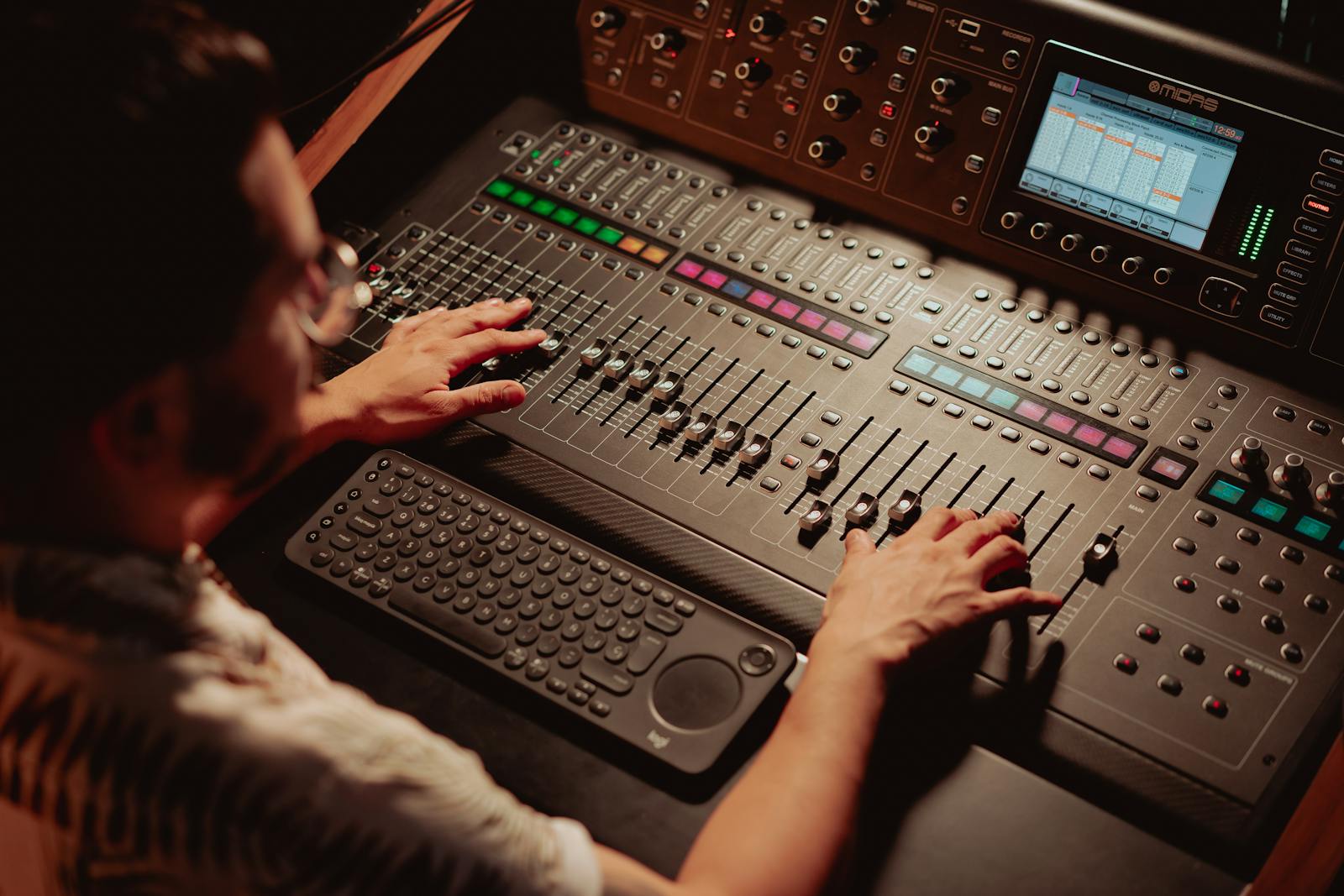
The reason "how loud should it be" feels slippery is that loudness has two different units, and most people only know the wrong one. Your editor probably shows you decibels on a meter, peaking somewhere near zero. That tells you how close a single instant is to digital clipping. It tells you almost nothing about how loud the video feels over its whole length, which is the thing YouTube actually cares about.
The unit that matters is LUFS, short for Loudness Units relative to Full Scale. It is a perceptual measure, averaged across the entire file, weighted to match how human ears hear. YouTube computes the LUFS of everything you upload and uses it to even out the feed, so a quiet lo-fi clip and a loud trailer play at roughly the same level back to back. I have shipped videos that sounded fine in my editor and arrived on the platform sounding like a whisper, because I was reading peaks and ignoring LUFS.
So there are really two numbers to hit, not one. Integrated loudness sets how strong the whole thing feels: target −14 LUFS. True peak sets how close the loudest split-second gets to distortion: keep it at or below −1 dBTP. Get both right and the rest is just keeping your voice above the music. Here is what each number means and how to land it.
The loudness targets for YouTube, plainly.
Two measurements decide whether your audio sounds professional or weak. Both have a target you can hit, and a cost if you miss it.
| Measurement | Target to hit | What it costs you if you miss it |
|---|---|---|
| Integrated loudness | ≈ −14 LUFS | Too quiet and YouTube leaves it quiet, so your video sounds weak next to the next one. |
| True peak | ≤ −1 dBTP | Peaks above this can clip and crackle once the platform re-encodes the file. |
| Loudness range | controlled | Wild swings make viewers ride the volume knob, loud then inaudible. |
| Voice vs music | voice on top | Music sitting over speech is the most common loudness complaint there is. |
| Noise floor | low, steady | Raising a quiet mix also raises the hiss, so clean the floor before you lift. |
CutScore measures integrated loudness, true peak and the voice-to-music balance on your export, then tells you the exact gain change to make. No meter to read, no guessing.
Four passes to the right loudness.
1. Measure where you are now, in LUFS
You cannot fix a number you have not read. Open a loudness meter on your master bus and play the whole video, start to finish, because integrated loudness is an average over the entire file. The reading you want is −14 LUFS for YouTube. If your meter says −19, you are five decibels too quiet. If it says −10, you are four too loud and YouTube will pull you back anyway. Note the gap, that is your gain change for the next step.
2. Set the level, then guard the peak
Raise or lower the whole mix by the gap you just measured to land on −14 LUFS. Then put a true-peak limiter as the last thing in the chain with its ceiling at −1 dBTP. That ceiling is not optional. When YouTube re-encodes your file to its own format, the conversion can push samples slightly higher than your meter showed, and a clip that peaked at 0 dB on your timeline can arrive distorted. Leaving a decibel of headroom is what keeps the loud bits clean.

3. Put the voice clearly on top of the music
A correct −14 LUFS mix can still sound wrong if the music is fighting the voice. The whole mix averages to the target, but inside that average the speech has to win. If you ever find yourself raising the music because the voice feels thin, you are solving it backwards. Pull the music down a few decibels instead, or duck it automatically under speech. People will forgive quiet music. They will not forgive missing every third word you say.
4. Clean the floor before you lift a quiet clip
If your recording came in at −20 LUFS, you might be tempted to just crank everything up to target. Careful: turning up a quiet mix turns up its hiss, hum and room tone in equal measure, and now you have a loud video that sounds cheap. Reduce the background noise first, then raise the level. The order matters. A clean floor at −14 LUFS sounds confident; a noisy floor at −14 LUFS sounds like a stairwell.
Here is a real CutScore report for an everyday vlog: loudness, true peak and voice balance, all measured, with timestamps and the exact gain changes.
Is −14 LUFS the same everywhere?
YouTube settled on roughly −14 LUFS, and most desktop and TV listening is built around it. Short, phone-first feeds tend to run hotter, so the target shifts a little.
By ear, by meter, or in one pass.
By ear, against a reference
Free, and a useful gut check. Play a YouTube video you think sounds right, then play yours at the same system volume. If yours is noticeably weaker, you are below target. The catch is your ears adapt fast, and laptop speakers flatter your mix, so this only catches the big misses.
With a loudness meter
Accurate and honest. An EBU R128 or LUFS meter on your master bus gives you the real integrated loudness and true peak. The cost is knowing the targets, running the whole file through, and reading two numbers correctly on every single video you make. Fine if you enjoy it.
With a coach in one pass
Hand the file or a link to CutScore. It measures integrated loudness, true peak and the voice-to-music balance, tells you the exact gain change, and rolls it into a 0 to 100 craft score with timestamps. No meter to read. See a sample report.
Frequently asked.
Stop guessing your loudness.
CutScore measures integrated loudness, true peak and the voice-to-music balance, then tells you the exact change to make, before you publish. Join the waitlist for early access.
You’re on the list.
We’ve noted your email. You’re in line for priority access and a free report when early access opens.