Why does my video look unprofessional?
It is almost never the camera. A short list of fixable things, quiet audio, flat picture, lazy pacing, a weak hook, gives a video away as homemade. Here is what reads as amateur, and how to fix each one.
By Thomas, founder of CutScore · Published · Updated
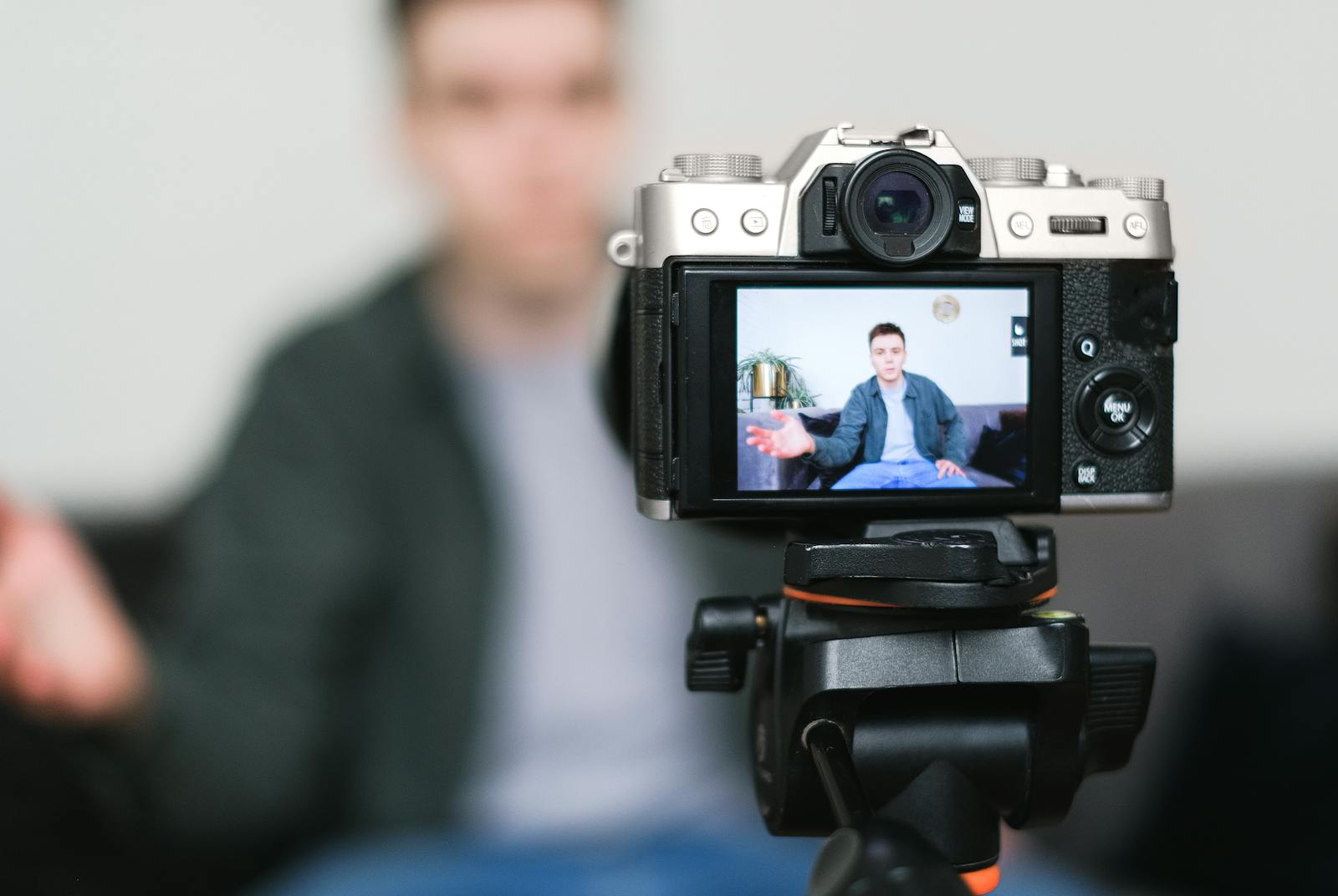
I have shipped videos that looked cheap, and I want to tell you it was the budget. It was not. The first time someone politely said one of my early videos "felt a bit homemade," I had used a perfectly good camera. The problem was that the room was dim, the voice was quiet, and I had cut nothing. Good gear had quietly made me lazy about everything around it.
Here is the part nobody likes. "Professional" is not a resolution. You can shoot 4K and still look amateur, and you can shoot on a three-year-old phone and look polished. The viewer is not measuring megapixels. They are reading a handful of signals in the first few seconds, light, sound, motion, pace, and quietly deciding whether the person behind the camera knows what they are doing. Most of those signals are decisions, not hardware.
So the real question is not "why does my video look unprofessional," it is "which of the usual tells am I tripping." There are about six of them. They show up in roughly the same order every time, and every one has a target you can actually hit. Let me walk you through the list.
Six things that make a video look unprofessional.
None of these are about your camera. Each is a decision or a setting, and each has a target a viewer will notice the moment you miss it.
| The tell | What good looks like | Why it reads as amateur |
|---|---|---|
| Quiet or buried voice | voice on top, ≈ −14 LUFS | If people strain to hear you, or the music wins, the video feels homemade before the first sentence ends. |
| Dark, flat picture | lit, neutral, graded | Underexposed, ungraded footage looks like a raw clip nobody finished. |
| Wrong white balance | whites look white | A green or orange cast and odd skin tone reads as "uncorrected" instantly. |
| Lazy pacing | shots that earn their length | Shots held three seconds too long, every time, make the whole thing drag. |
| No hook | one reason to stay by 3s | A logo sting and a "hey guys" tells the viewer this is going to be slow. |
| Unreadable captions | big, high-contrast, in-frame | Tiny low-contrast text fails the large share of viewers watching on mute. |
Finding every amateur tell by eye is slow, and your own eye is the least reliable one. CutScore scans all of them in one pass and points to the exact timestamp and fix.
Where the amateur look actually comes from.
1. Sound: why a buried voice reads as cheap
People forgive a soft shot. They do not forgive sound they have to strain for. If your video is quiet, it feels timid next to the next one in the feed, so aim the whole mix toward −14 LUFS for YouTube and keep your true peak at or below −1 dBTP so nothing crackles after the platform re-encodes it. The other half of this is the music. Beginners love laying a track at full volume because it sounds cinematic in their headphones. On a phone speaker it just eats the voice. Pull the music down four or five decibels until every word is clear, then stop being precious about it.
2. Picture: why your footage looks flat or dark
Most "cheap" footage was shot in flat, dull light and then never graded. The fix starts before you film: give the light some direction so a face has shape instead of looking like a passport photo. After that, watch for shadows crushed to solid black and highlights blown to pure white, because both lose detail you cannot get back. Then fix white balance so the whites look white and not blue or orange. If skin looks like it belongs to a different species, that is the tell. This whole family of image checks, exposure, colour and sharpness, is a big slice of what we analyze, because it is the first thing a viewer reads before a single word is spoken.

3. Editing: why your video drags
You have watched your edit so many times that it feels fast to you. It probably is not. The clearest single number for pace is average shot length, how long a shot holds before you cut. A tutorial can breathe; a short cannot. When a section drags, it is usually one shot held three seconds too long, repeated twenty times across the video. A well-placed jump cut removes the dead air without you reshooting anything. The honest test is brutal and useful: would you still be watching this if it were not yours?
4. The opening: why people leave in three seconds
Watch your first three seconds as if you were thumbing past a stranger's video. Is there one clear reason to stay, or do you open with a slow logo sting and a throat-clear? Most of your drop-off happens right here, at the very start, and it has nothing to do with picture quality. If your strongest moment is at 0:40, a piece of it belongs at 0:01. While you are listening to the opening, also count the filler words. A few "ums" are human. A dozen a minute quietly tells people you are not sure of yourself.
5. Text and export: the two nobody screenshots
A large share of your audience watches on mute, so captions are not decoration, they are the video. Read them on a phone held at arm's length: if you squint, the font is too small or the contrast is too low, and they need a solid backing and a spot inside the safe zone. Then there is export, the boring step that undoes good work. Platforms re-compress everything, so a file that looked crisp on your drive can arrive soft. Export at the platform's resolution and a healthy bitrate, upload, and judge the published version on the actual app, not the file on your desktop.
Here is a real CutScore report for an everyday video: every tell above, scored, with timestamps and the exact fix that makes it look professional.
If you only fix three things.
Most of the jump from "homemade" to "this person knows what they are doing" comes from these three. Fix them first, in this order.
Why you cannot see it in your own video.
Here is the uncomfortable truth: you are the worst possible judge of your own video, and it is not a taste problem. You watched every frame forty times in the edit, so your brain quietly filed the quiet audio under "normal" and the faintly green skin under "fine." By export time, you are not watching the video, you are remembering it. That is why a tell so obvious to a stranger can be invisible to you.
Your gear lies to you too. Laptop speakers flatter bass you never recorded. Your phone at full brightness, in a dark room, at midnight, makes an underexposed shot look beautifully lit. So you publish, and someone watches on a cheap phone, one tinny speaker, on a sunny bus, and now it sounds like a stairwell and looks like it was shot through a sock. The footage did not change. The honest viewing conditions did. If you want a second opinion that does not adapt the way your senses do, you can review your own video objectively against fixed targets, or hand it to something that measures rather than feels.
Frequently asked.
Stop looking amateur by accident.
CutScore scans for every tell above and tells you exactly what to fix, with the evidence to back it up, before you publish. Join the waitlist for early access.
You’re on the list.
We’ve noted your email. You’re in line for priority access and a free report when early access opens.