Why does my footage look cheap?
It is almost never the camera. Cheap-looking footage is a stack of small, fixable choices: flat light, the wrong shutter, a drifting white balance, and the camera's defaults left on full. Here is what actually reads as cheap, and how to undo it.
By Thomas, founder of CutScore · Published · Updated
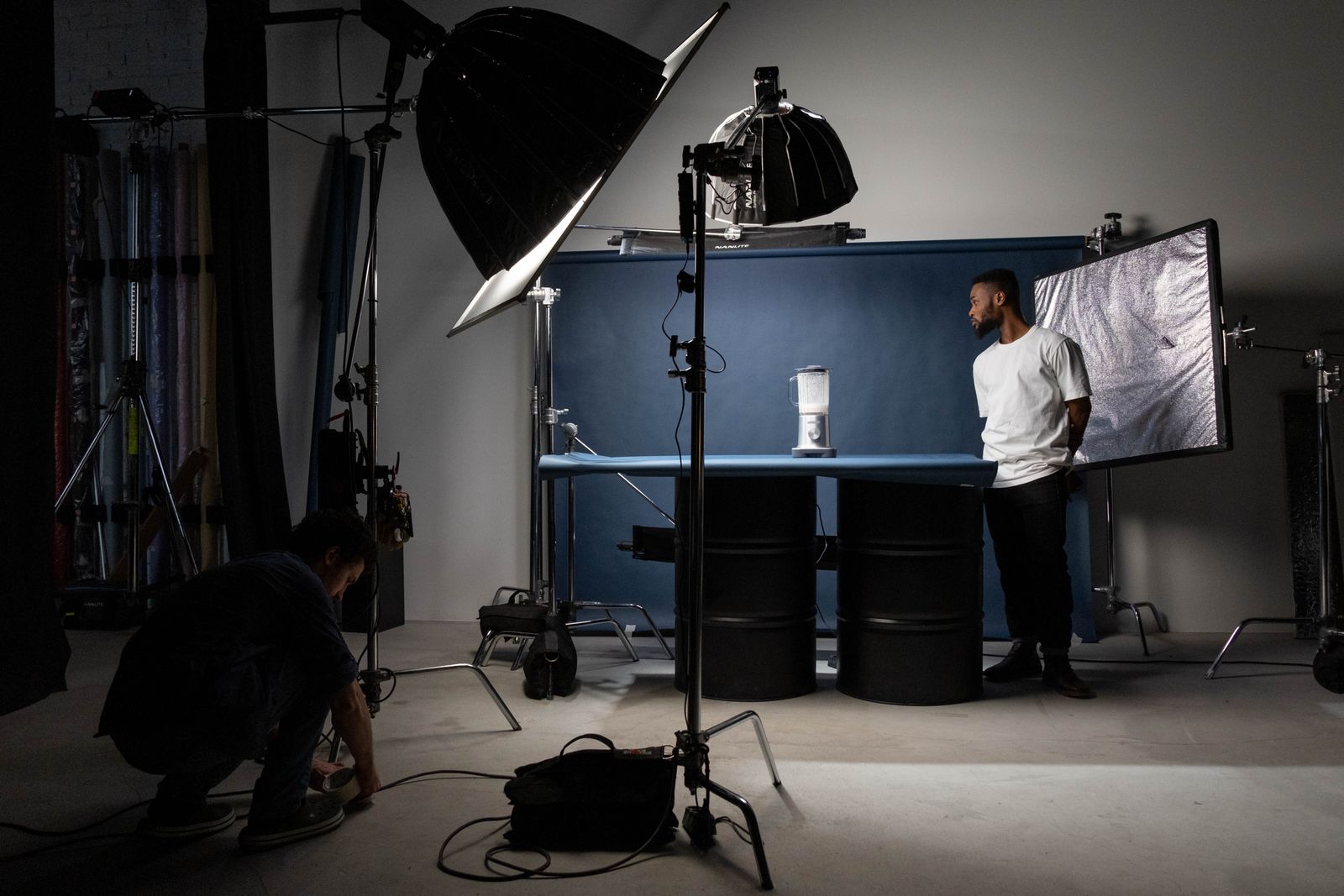
I have shipped footage that looked cheap with a camera that cost more than my first car. That was the lesson. "Cheap" is not a price tag, it is a look, and the look comes from light and settings far more than from the sensor behind them. Phones now shoot footage that, lit and handled well, beats expensive cameras that were pointed at a bad situation.
The reason this confuses people is that the cheap signals are quiet. No single frame screams "amateur." Instead, a viewer's brain adds up a flat face, a slightly green skin tone, motion that stutters oddly, and an image that is somehow too sharp and too soft at once. They cannot name it. They just feel that the video is not quite real, and they trust it less. That feeling is the whole problem.
So the fix is not "buy a better camera." It is to find which of the cheap signals you are sending and switch them off. There are about six that do most of the damage. Here they are, worst offender first.
Six reasons footage looks cheap.
Every one of these is a choice, not a hardware limit. Most cost nothing to fix. They are ranked roughly by how much they hurt the look.
| What reads as cheap | The fix | Why it works |
|---|---|---|
| Flat, frontal light | light from the side | A single front source kills depth; side light brings back shape and shadow on the face. |
| Wrong white balance | neutral skin tones | Green or blue skin reads as "unfinished phone clip" before anything else registers. |
| Shutter mismatched to fps | ≈ 2× frame rate | Too-fast shutter makes motion stutter like a security camera; the 180° rule fixes it. |
| Over-sharpened defaults | dial sharpening down | Crunchy edges and halos are the most camera-like tell; subtle is more expensive-looking. |
| No subject separation | distance + back light | Subject glued to the wall looks flat; a gap and a rim light add instant depth. |
| Compression after upload | clean, higher bitrate | Noisy, low-bitrate footage smears and blocks when the platform re-encodes it. |
Cheap is a stack of small things, and they are hard to spot in your own footage. CutScore measures the image, names the offenders, and hands back the fixes in one pass.
From flat to finished, in order.
1. Light: stop pointing one bulb at the front of the face
This is the big one, and it is why your footage looks cheap more than any other single thing. One hard source straight at the subject, whether it is a ceiling light, an on-camera LED, or a ring light parked in front of your nose, flattens the whole face. No shadow, no shape, no depth. Move your main light to the side, so it rakes across the face at an angle and one side falls into soft shadow. If you have a window, sit beside it, not under the ceiling fixture. That one move does more than a thousand dollars of glass.
2. White balance: get the skin tones honest
Auto white balance drifts, and the second skin goes green or blue, the footage reads as a raw phone clip nobody finished. Set white balance manually to match your light: around 5600K for daylight, around 3200K for warm indoor bulbs. If you are mixing a cool window with a warm lamp, you are fighting a colour clash, and that clash is a classic cheap signal. Pick one colour temperature and commit. If the colours still look off after that, the cause is usually a deeper colour problem worth its own look.

3. Shutter: match it to your frame rate
If motion in your footage looks stuttery, gamey, or weirdly crisp, your shutter speed is probably too fast. The fix is old and simple: the 180-degree rule. Set your shutter to roughly double your frame rate. So 1/50 of a second at 25fps, 1/60 at 30fps, 1/100 at 50fps. That gives motion the natural blur your eye expects from film. A 1/500 shutter freezes every frame into a sharp little still, and a string of sharp little stills reads as cheap surveillance footage, not video. Most people never touch this setting, which is exactly why fixing it stands out.
4. Sharpening: turn the camera's defaults down
Cameras and phones ship with sharpening and contrast pushed hard, because punchy footage sells well in a shop and looks great for half a second. On a real video it backfires. Over-sharpening puts ugly halos around every edge and turns skin texture into something brittle and digital. That crunch is one of the most reliable "shot on a budget" tells there is. Drop the in-camera sharpening, soften the contrast a touch, and the image reads as more expensive immediately. Counterintuitive, but a slightly softer picture almost always looks more professional than an over-sharpened one.
5. Depth: pull the subject off the wall
When the subject is pressed against the background, everything sits on one flat plane and the image feels like a passport photo. Move them forward, a metre or two if you can, so the background falls a little out of focus and gains some separation. Then, if you can spare a second light, put a small one behind and to the side to skim the edge of their shoulder and hair. That rim of light peels the subject off the background. Depth is what your eye reads as "real," and flat is what it reads as cheap.
6. Export: do not let upload make it cheaper
You can do everything right and still hand the platform footage that falls apart. Every upload gets re-encoded, and the messier your file (noisy shadows, over-sharpened edges, a stingy bitrate), the worse it survives that squeeze. Shadows turn blocky, fine detail smears, edges grow crunchy halos. Shoot clean and well lit, export at the platform's recommended bitrate, then watch the uploaded version on the actual app, not the file on your desktop. If it looks cheaper after upload than before, your export settings are the suspect, and it is worth understanding why video looks worse after uploading.
Here is a real CutScore report for an everyday talking-head video: light, white balance, sharpening and the rest, scored, with timestamps and the exact fixes.
If you only fix three things.
Most of the jump from "cheap" to "this person knows what they are doing" comes from these three. Do them before you touch anything else.
Frequently asked.
Find out why it looks cheap, before you post.
CutScore reads your image, names the cheap signals, and tells you exactly what to fix, with the evidence to back it up. Join the waitlist for early access.
You’re on the list.
We’ve noted your email. You’re in line for priority access and a free report when early access opens.