What separates amateur video from professional?
It is almost never the camera. The gap is a short list of craft decisions: clear sound, clean exposure, pacing that holds, a hook that earns the view, readable captions and an export that survives upload. Here is the whole list.
By Thomas, founder of CutScore · Published · Updated

Everyone starts by blaming the camera. I did too. I spent real money convinced that the next sensor would be the thing that made my videos look like the ones I admired. It was not. I shot underexposed, mumbly, slow-paced clips on increasingly expensive bodies, and the upgrade changed nothing a viewer could feel. The gear was never the problem. My decisions were.
Here is the part that stings. A professional with a phone will beat you with a cinema camera, every time, because they are controlling the things you are leaving to chance. They set their loudness. They watch their exposure. They cut the boring parts. None of that lives in the kit. It lives in a handful of habits, and habits are free.
So if you want to know what separates amateur video from professional, stop looking at the bag and start looking at the craft. There are about seven tells, and viewers feel all of them in the first ten seconds, usually without being able to name a single one. Let us go through them.
Seven things that separate amateur from professional.
Each one has a target you can hit, and each one is something a viewer reads in seconds. The amateur version is not "wrong," it is just left to chance. The professional version is a decision.
| Craft tell | Amateur default | Professional decision |
|---|---|---|
| Loudness | Too quiet, feels timid in the feed | ≈ −14 LUFS |
| Voice vs music | Music drowns the speech | voice on top |
| Exposure + white balance | Dark, flat, or a green skin tone | neutral, not clipped |
| Framing + stability | Off-centre, headroom wrong, shaky | intentional, steady |
| Pacing · shot length | Holds every shot too long | fits the genre |
| First 3 seconds | Logo sting, "hey guys," throat-clear | one reason to stay |
| Captions + safe zones | Tiny, low-contrast, drifting off-frame | readable, in-frame |
Checking all seven by eye is hard, because you adapt to your own footage. CutScore measures them on your video and tells you which ones are reading as amateur, with timestamps and fixes.
The four that do most of the work.
Sound is the loudest tell of all
If I could only fix one thing on an amateur video, it would always be the audio. People forgive a soft shot. They will not sit through speech they have to strain for. Two numbers carry most of the weight. Loudness, which you want near −14 LUFS for YouTube so your video does not feel weak next to the next one in the feed, and true peak, which you keep at or below −1 dBTP so nothing crackles after the platform re-encodes the file. Then make sure the voice is clearly on top of the music. Music winning is the single most common amateur tell, and pulling it down four or five decibels fixes it in seconds.
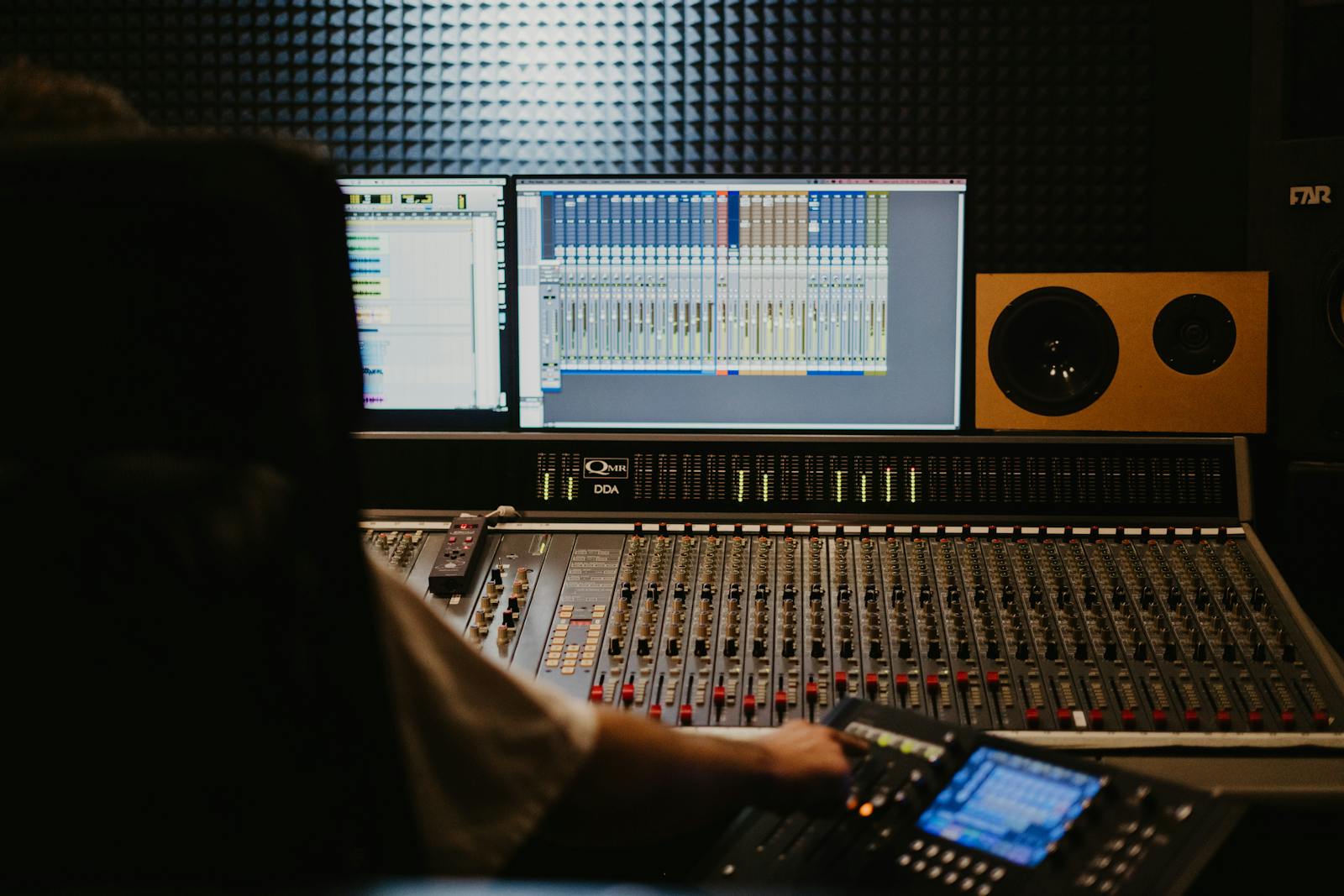
Picture: exposed, balanced, and graded enough to look finished
A professional shot does not have to be cinematic, but it does have to look deliberate. Check two things at normal screen brightness: shadows that have crushed to solid black, and highlights (a window, a white shirt) that have blown to pure white. Then check that whites read white, not blue or orange. A faintly green skin tone is the giveaway that white balance drifted and nobody corrected it. Amateur footage often looks like a raw clip that nobody graded, because that is exactly what it is. This whole image family, from exposure to colour to focus, is half of what we analyze, because it is the first thing a viewer reads before a single word is spoken.
Editing: a pro cuts the parts they are bored by
You have watched your edit so many times it feels fast to you. It probably drags. The clearest single number for pace is average shot length, how long a shot holds before you cut. A tutorial can breathe; a short cannot. Professionals are ruthless: if a section is boring, it goes, even if it took an hour to shoot. A well-placed jump cut removes dead air without a reshoot. The honest test I still use on my own footage: would I keep watching this if it were not mine? If the answer is no, the viewer already left.
The first three seconds, and the words on screen
Amateurs open with a logo and a "hey guys." Professionals open with the most interesting thing they have. Watch your first three seconds as if you were thumbing past it in a feed: is there one clear reason to stay? Then read your captions on a phone at arm's length. If you squint, the font is too small or the contrast is too low, and roughly half your audience watches on mute. While you listen, count the filler words. A few "ums" are human. A dozen a minute quietly tells people you are not sure of yourself, and that uncertainty reads as amateur even when the footage is clean.
Here is a real CutScore report for an everyday video: every tell above, scored, with timestamps and the exact fixes that move it from amateur to professional.
If you only fix three things.
Most of the perceived jump from "homemade" to "this person knows what they are doing" comes from these three. They cost nothing and they work on a phone.
How professionals actually catch this.
A second pair of eyes
The classic answer is another person who will tell you the truth. An editor, a brutally honest friend, a colleague. The catch is finding someone who knows the targets and is willing to be blunt. Most feedback you get is polite, and polite feedback does not close the gap.
Scopes, meters and a checklist
A loudness meter, a waveform, an exposure scope, run against a written checklist. Accurate and honest, but it is real work: you have to know every target, open several tools, and read them correctly on every single video. Professionals who enjoy this do it. Most people do not have the time.
A coach in one pass
Hand the file or a link to CutScore. It measures every tell above against the right standard for your genre and returns a 0 to 100 score with timestamped evidence and the fixes. It is the second pair of eyes, available before anyone else sees the video. See a sample report.
Frequently asked.
Close the gap before you publish.
CutScore finds the amateur tells on your video and tells you exactly what to fix, with the evidence to back it up. Join the waitlist for early access.
You’re on the list.
We’ve noted your email. You’re in line for priority access and a free report when early access opens.