Why does my video look wobbly (rolling shutter)?
That jelly-like wobble, the leaning verticals, the way a fast pan seems to warp the whole frame. It has a name, rolling shutter, and once you know what causes it you can shoot around it and clean it up in the edit.
By Thomas, founder of CutScore · Published · Updated

The first time it happened to me I blamed my hands. I had shot a quick walking clip, panned across a building, and on playback every window frame and lamp post was leaning like the whole street had been pushed over. My footage was not shaky exactly. It was bending. That bend is rolling shutter, and it is not a flaw in your technique so much as a side effect of how cheap, fast, beautiful modern sensors are built.
Here is the physical reason. A sensor that captured the entire frame in one instant (a global shutter) is expensive, so most cameras use a rolling shutter instead. They expose the image line by line, sweeping from the top of the frame to the bottom in a few milliseconds. Nothing wrong with that if the scene holds still. But move the camera quickly during that sweep and each line catches the world in a slightly different place. The top of a flagpole lands one spot, the base lands another, and the pole arrives on screen leaning.
So the wobble is not random. It is the camera honestly reporting that it could not read the whole frame at once. The faster you whip the camera, the worse the lean. Vibration makes it worse still, which is why footage from a car, a drone, or a hand shooting in a moving train can look like the picture is made of warm jelly. Good news: every cause here has a counter-move.
How do I know it is rolling shutter and not just shake?
Rolling shutter has a specific look. Once you can name the three tells, you will spot it in your own clips and in half the videos in your feed.
| The tell | What it looks like | When it shows up |
|---|---|---|
| Skew (the lean) | Straight verticals tilt to one side as the camera moves, then snap back when it stops. | fast pans |
| Wobble (jello) | The whole frame ripples and warps, like the image is printed on water. | vibration |
| Smear / partial frame | A fast object stretches diagonally, or a propeller bends into an impossible shape. | fast subject |
| Flash banding | A bright band sweeps through the frame when something flashes mid-exposure. | strobes, screens |
Scrubbing every pan looking for a lean is slow. CutScore flags rolling-shutter skew and motion artefacts with timestamps, so you know which clips to repair before you publish.
How do I get rid of rolling shutter?
Two places to fight it: at the camera, where you can prevent most of it for free, and in the edit, where you can rescue what slipped through.
1. Slow the camera down
This is the biggest lever and it costs nothing. Rolling shutter scales with how fast the camera moves during the sensor sweep. Halve your pan speed and you roughly halve the lean. Most "wobbly" footage is just a pan whipped twice as fast as the shot needed. Find the slowest move that still tells the story, then go a little slower than that. A calm, deliberate pan reads as confident anyway. A frantic one reads as amateur even before the verticals start leaning.
2. Stabilise the motion, not just the frame
Vibration is what turns a clean pan into jelly. A gimbal or a simple two-handed brace removes the tiny high-frequency shakes that the sensor scan exaggerates. This is also why rolling shutter and plain old camera shake travel together: both come from a camera that is not held steady, and the fixes overlap. If your shots are wobbling and jumping, sort the shake first, because a steady camera produces far less rolling-shutter distortion to begin with. There is a whole separate rabbit hole on the jumping side in why your video looks shaky.
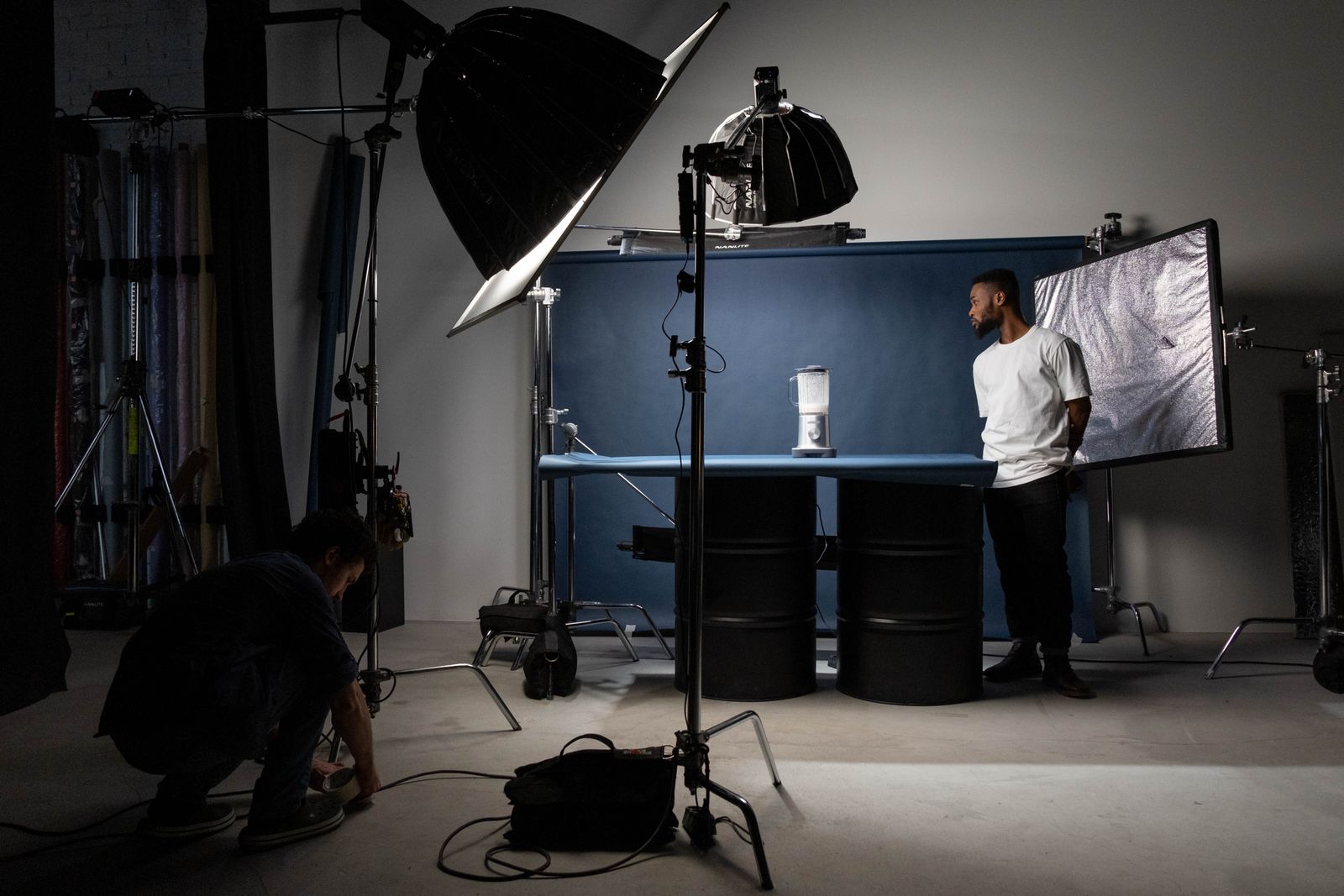
3. Shoot wider, and mind your shutter angle
A long lens magnifies every wobble, because a small camera move covers a lot of frame. Back up and go wider and the same pan produces far less distortion. People also ask whether a faster shutter speed fixes it. It does not, not really. Shutter speed controls motion blur within a line; rolling shutter is about how fast the whole sensor is read out, which is a different number. A faster shutter can even make the lean look crisper and more obvious. So light your scene well, keep a sensible shutter (around double your frame rate is the usual starting point), and lean on slower moves instead.
4. Repair it in the edit
When prevention fails, your editor has a net. Premiere, Final Cut, DaVinci Resolve and After Effects all ship a rolling-shutter repair effect that analyses the motion and un-leans the verticals. Apply it to the offending clip, nudge the strength until the lines stand up straight, then add a touch of stabilisation on top. For mild cases this is invisible and takes under a minute. For severe jelly it helps but will not fully save the shot, which is the real argument for getting it right in camera. Treat repair as insurance, not a plan.
Here is a real CutScore coaching report for an everyday handheld clip: motion artefacts, exposure, sound and the rest, scored, with timestamps and the exact fixes.
Three habits that kill the wobble.
Most rolling shutter never has to reach the edit. These three on-set habits stop it at the source, and none of them need new gear.
Is the wobble worth obsessing over?
Spot it honestly
Watch your pans on a real screen, not a tiny preview. Mild lean on a single quick pan is something most viewers never consciously notice. Heavy jelly across a whole clip is the kind of thing that quietly reads as unprofessional even when the viewer cannot say why.
Weigh it against the rest
Rolling shutter is rarely the thing tanking a video. Quiet audio near −14 LUFS and a weak first three seconds cost you more viewers. Fix the obvious wobble, then spend your time where it actually moves the needle.
Let a coach prioritise
Hand the file or a link to CutScore. It flags motion artefacts with timestamps, scores the whole craft 0 to 100, and tells you whether the wobble is worth fixing first or last. See a sample report.
Frequently asked.
Catch the wobble before your viewers do.
CutScore flags rolling shutter, shake and the rest of your craft with timestamps and exact fixes, before you publish. Join the waitlist for early access.
You’re on the list.
We’ve noted your email. You’re in line for priority access and a free report when early access opens.