Why does my video look shaky, and how do I stop it?
Shaky footage is rarely a broken camera. It is breathing, footsteps, a long lens, the wrong shutter speed, or stabilisation pushed too far. Here is what causes each one, and how to catch the shake before you publish.
By Thomas, founder of CutScore · Published · Updated
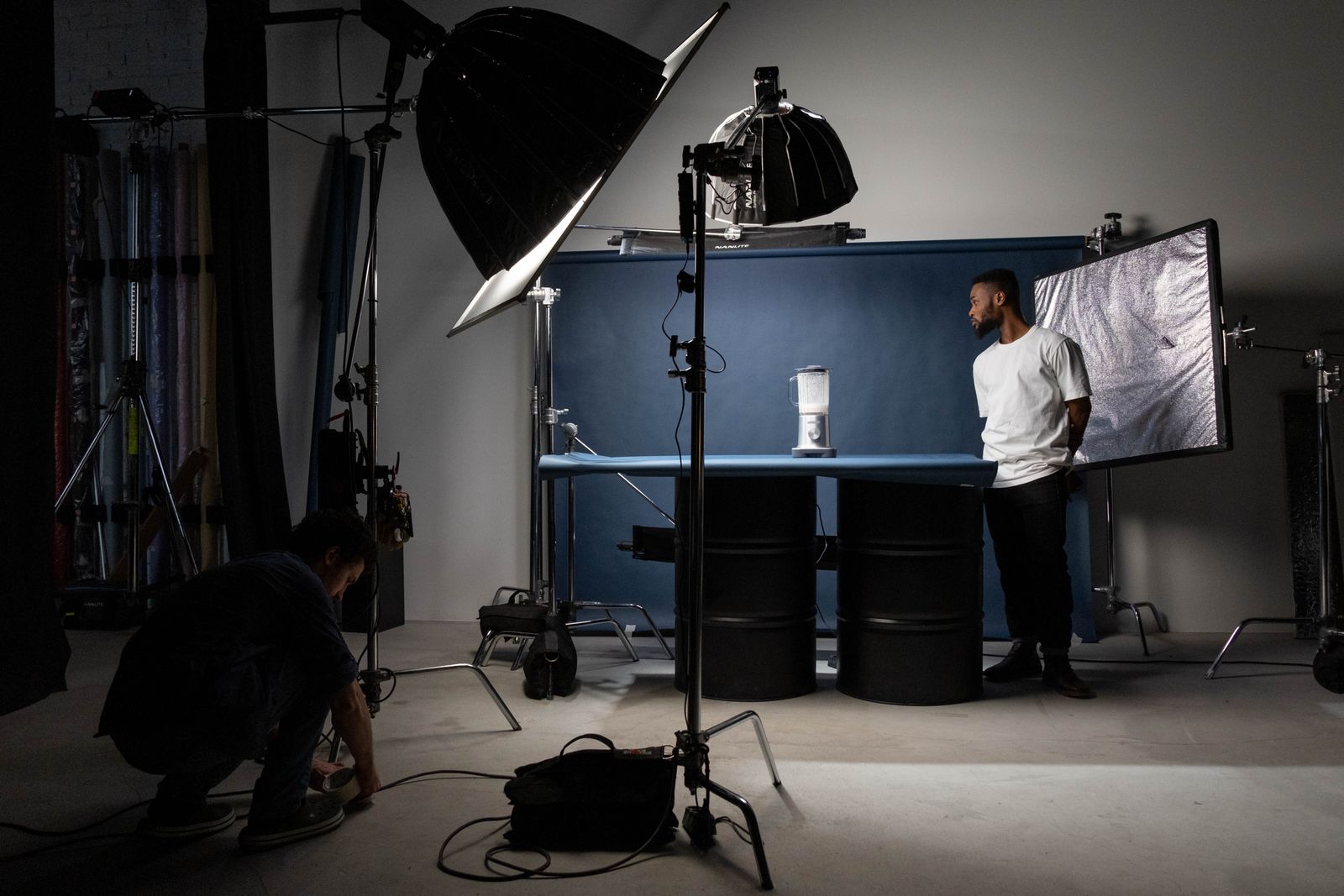
Shake is sneaky because of how you watch your own footage. On the little camera screen, or on a phone you are holding in your own slightly moving hand, mild shake hides. Your eyes also track and stabilise motion for you in real life, so a wobbly pan can feel perfectly fine while you are filming it. Then you put it on a big monitor, lock the screen still, and suddenly the frame is breathing like it ran up a flight of stairs.
I have shipped shaky videos myself, the confident kind where you only see the problem after someone politely says "nice video" while looking faintly seasick. The frustrating part is that shake is almost never a hardware fault. Your camera recorded exactly what you gave it. The movement was real, your hand made it, and the lens just did its job of turning a one-millimetre wobble into a frame-filling lurch.
So the question is not "is my camera broken." It is which kind of shake do I have, because each kind has a different cause and a different fix. There are five common ones. Let us go through them.
Why your video looks shaky, by type.
Most shaky footage is one of these five things, or a combination. Find yours in the table, then read the matching fix below.
| Type of shake | What causes it | The fix in one line |
|---|---|---|
| Micro-jitter | Breathing, pulse and tiny hand corrections, magnified by a long lens or zoom. | brace + go wider |
| Walking bounce | Each footstep sends a vertical jolt the camera records faithfully. | gimbal or smooth walk |
| Pan wobble | Hand-driven pans and tilts that speed up, slow down and drift. | tripod head, slow it |
| Stuttery jitter | Shutter speed far too fast, so every shake frame is razor sharp. | ≈ 1/(2 × fps) |
| Warp wobble | Digital stabilisation pushed too hard, bending straight lines. | dial it back |
Finding every wobbly shot by hand on a long video is tedious. CutScore measures stability across the whole clip and hands you the timestamps where the shake gets bad, so you know exactly what to fix.
How do I stop my video looking shaky?
1. Brace the camera before you touch anything in the edit
The cheapest stabiliser you own is your own body, used properly. Tuck your elbows into your ribs, hold the camera with two hands close to your chest, breathe out slowly, and stop holding the camera out at arm's length like a periscope. If you can lean on a wall, a table, a car bonnet, do it. A handheld locked-off shot from a braced body beats a flailing one every time, and it costs nothing. Static talking-head video? Put it on a tripod and forget shake exists.
2. Match shutter speed to your frame rate
This is the one people skip, and it is the difference between motion that flows and motion that stutters. Set your shutter speed to about double your frame rate: 1/50s for 25 fps, 1/60s for 30 fps. A very fast shutter (1/500s and up) freezes each frame so crisply that any shake reads as a sharp, jittery stutter rather than a natural blur. The motion blur from a correct shutter is doing quiet work to make handheld movement look smooth. Lose it and even small wobble looks ugly. Pace and motion live in the editing family too, which is part of what makes a video look professional.

3. Go wider, and stop zooming with your hands
Focal length is a shake multiplier. A wide lens forgives a lot of hand movement, while a long lens or a digital zoom turns the same wobble into a frame-filling earthquake. If you are handheld and the shot is shaky, the fastest fix is often to physically step closer and zoom out, rather than zooming in from across the room. Digital zoom is the worst of all worlds: it crops into the frame, magnifies the shake, and throws away resolution while it does it.
4. For walking shots, get a gimbal or fake one with technique
Walking bounce is the classic vlog tell, and no amount of post-production fully removes it. A gimbal is the clean answer: it cancels the footstep jolt mechanically. No gimbal? Walk heel to toe with bent knees like you are sneaking up on someone, keep the camera glued to your chest, and shoot wide. It will never be tripod-smooth, but it goes from "seasick" to "intentionally handheld," which is a real and watchable look. This kind of camera-movement check is part of what we analyze in the image family.
5. Stabilise in the edit, but do not push it past mild
Every serious editor has a stabilisation tool: Warp Stabilizer in Premiere, the Stabilization panel in DaVinci Resolve. They re-track the frame and smooth the motion, and on mild shake they are close to magic. Two catches. They crop in (often around 5 percent), so you lose a sliver of frame, and pushed too hard they add their own warping wobble where straight lines ripple and bend. Use them to clean up small shake, not to rescue a shot that was filmed off the back of a galloping horse. Strong shake is much easier to prevent than to repair, which is the whole argument for catching it before you publish rather than after.
Here is a real CutScore coaching report for an everyday vlog: stability and every other craft check, scored, with timestamps and the exact fixes.
If you only fix three things.
Most of the wobble in everyday footage comes down to these three. Sort them and the rest is polish.
By eye, by hand, or in one pass.
Watch it on a big, still screen
Free, and the single best thing you can do. Move off the camera screen and your phone, put it on the biggest monitor you have, and watch it without holding anything. Shake that hid on the small screen will jump out. Best done a day later, with fresh eyes.
Scrub clip by clip in the editor
Thorough and honest. Step through every shot looking for vertical bounce, drifting pans, and jittery fast motion. The cost is time: on a ten-minute video that is a lot of scrubbing, and it is easy to miss the borderline shots when your attention drifts halfway through.
Let a coach flag it in one pass
Hand the file (or a link) to CutScore. It measures stability across the whole video, marks where the shake gets bad with timestamps, and folds it into a 0 to 100 craft score with the rest of the image checks. No scrubbing. See a sample report.
Frequently asked.
Catch the shake before anyone else does.
CutScore measures stability across your whole video and tells you exactly which shots wobble, with the timestamps and the fixes. Join the waitlist for early access.
You’re on the list.
We’ve noted your email. You’re in line for priority access and a free report when early access opens.