How do I make my vlog look more professional?
The gap between a homemade vlog and a polished one is rarely the camera. It is light, sound, framing, pace and captions, and almost all of it is fixable for free. Here is what to change, in the order that matters.
By Thomas, founder of CutScore · Published · Updated
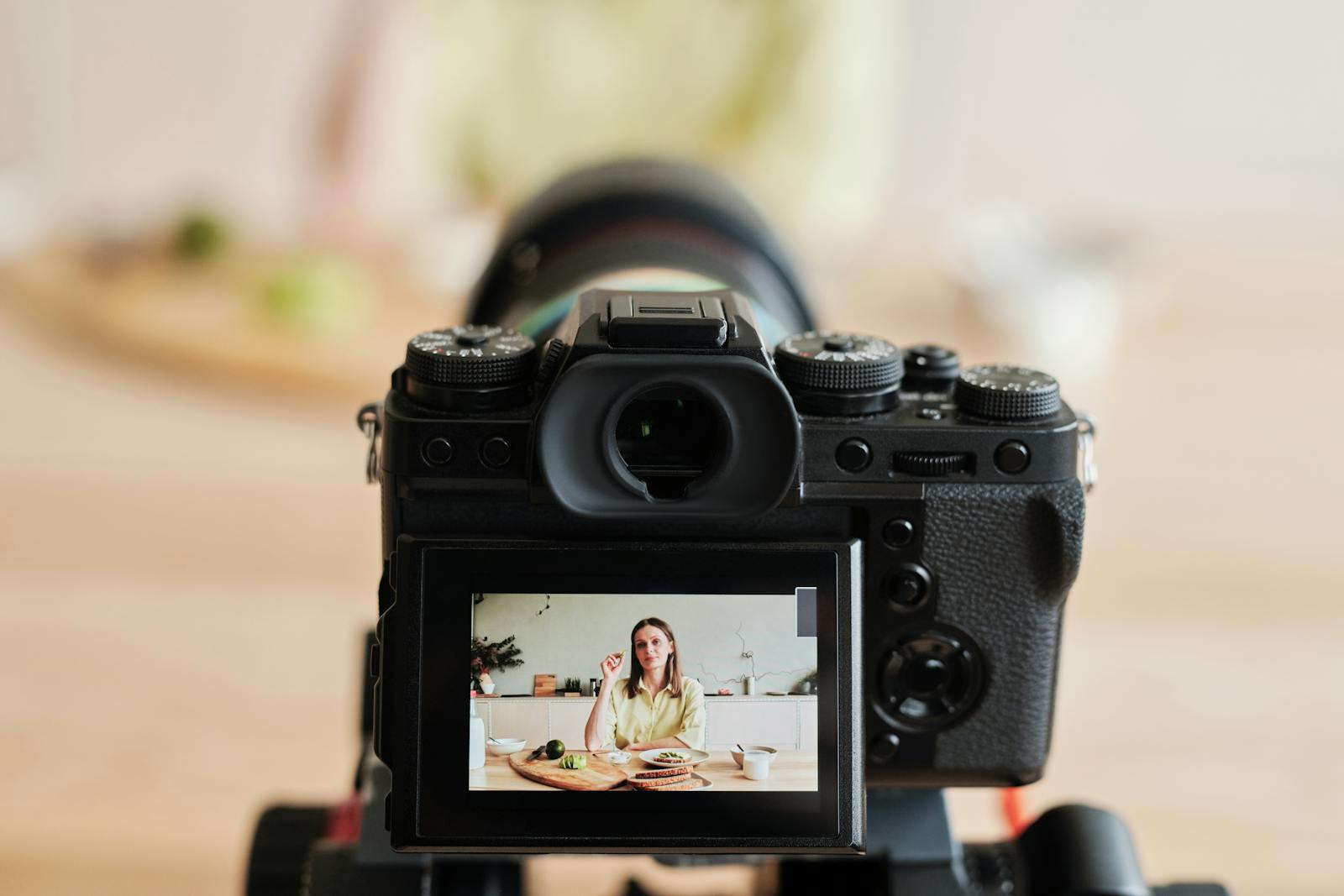
Here is the part nobody wants to hear. The thing dragging your vlog down is almost never the camera. I have shipped vlogs that looked cheap, and every time I went back to find the culprit, it was the same short list: a flat, shadowy face, a hollow voice recorded from across the room, framing that put my chin in the middle of the screen, and a pace that wandered. The phone in your pocket already shoots sharper than the problem.
Professional does not mean expensive. It means a few invisible boxes are quietly ticked. When light, sound, framing and pace are handled, the viewer stops noticing the production and starts noticing you. When one of them is off, the brain flags "amateur" in about two seconds, long before anyone could tell you why. That snap judgement is mostly sound and light, not megapixels.
So the good news: the fixes are cheap, repeatable, and mostly about decisions. Looking polished is a checklist, not a budget. Below is the order I run it, fastest wins first, because two of these moves do more than a thousand-dollar lens ever will.
Five fixes that make a vlog look professional.
Each one has a target you can hit, and each one is something a viewer feels even if they cannot name it. Work top to bottom: the biggest jumps are near the top.
| Fix | Target to hit | What it does for the vlog |
|---|---|---|
| Lighting | front + soft | A lit, even face reads as "considered" before you say a word. |
| Loudness | ≈ −14 LUFS | A confident, full voice instantly sits next to bigger channels. |
| Voice vs music | voice on top | Music burying the speech is the loudest amateur tell there is. |
| Room echo + noise | dry, low hiss | Echo screams "filmed in an empty room," even on a good mic. |
| Framing | eyes on upper third | Eye-level lens and headroom make you look composed, not cramped. |
| Pacing · shot length | no dead air | Trimmed pauses keep the vlog awake and the viewer with you. |
| First 3 seconds | one reason to stay | Most of your drop-off happens at the very start of the vlog. |
| Captions + safe zones | readable, in-frame | Half your audience watches on mute, so the text carries the vlog. |
Checking light, sound, framing, pace and captions on every vlog adds up fast. CutScore runs all of it in one pass and hands back the fixes, so you spend the time vlogging instead of inspecting.
Five passes that move a vlog up a tier.
1. Light: stop being a silhouette
The cheapest pro upgrade is light, and you probably already own it. Put the brightest soft source in the room (a window in daytime, a lamp bounced off a wall at night) in front of you and a little to one side, never behind. Backlight turns your face into a shadow, and a shadowed face reads as careless. Avoid the overhead-only look that drops raccoon shadows under the eyes. One soft light at face height does more for "professional" than any lens swap. If your skin looks orange or blue, your white balance drifted, and that fake tint is its own kind of amateur. Picture quality, from exposure to colour, is half of what we analyze, because it is the first thing a viewer reads.
2. Sound: the fix most vloggers skip
If you do one thing, do this. People forgive a soft shot; they bail on bad audio. First, get the mic close to your mouth, because distance is what makes a vlog sound hollow and far away. Second, kill the echo: a soft room with a rug, a sofa, or even a duvet just off camera beats a bare-walled kitchen. Then set your loudness near −14 LUFS for YouTube so your voice does not feel timid next to bigger channels, and keep true peak at or below −1 dBTP so nothing crackles after the platform re-encodes your file. Last, if you use music, pull it four or five decibels under your voice and stop being precious about it. Music louder than the talking is the most common reason a vlog sounds amateur.

3. Framing: where your eyes land
Bad framing is quietly everywhere, and it is free to fix. Put the lens at eye level, not below your chin, because the up-the-nose angle flatters nobody. Place your eyes on the upper third of the frame with a sliver of headroom, not a foot of ceiling and not your scalp cut off. Give yourself a touch of space to look into if you are off-centre. And lock the shot down: a wobbly handheld vlog is exhausting to watch, so brace your phone, prop it, or use anything that stops the drift. Steady, eye-level, well-composed framing is the difference between "person who films" and "person filming for an audience."
4. Pace: cut the dead air
A slow vlog is not relaxing, it is a tab someone closes. You have watched your edit so many times it feels quick to you. It probably is not. The clearest single number for pace is average shot length: how long a shot holds before you cut. Tighten the pauses, the "ums", the walk-ups to a point. A well-placed jump cut deletes dead air without a reshoot. Then look at the opening: your first three seconds need one clear reason to stay, not a logo sting and a "hey guys, welcome back." If your best moment is at 0:40, a piece of it belongs at 0:01.
5. Captions and export: the finish
Two last passes nobody screenshots and everybody regrets skipping. Add captions, then read them on a phone at arm's length: if you squint, the font is too small or the contrast is too low, and roughly half your audience watches on mute. Keep them inside the safe zone so the platform's buttons do not clip them. Then export at the platform's preferred resolution and a healthy bitrate, upload, and watch the published version on the real app. Platforms re-compress everything, so a vlog that looked crisp on your drive can arrive soft. If it looks worse after upload, your export settings are the suspect, not your camera.
Here is a real CutScore coaching report for an everyday vlog: light, sound, framing, pace and captions, each scored, with timestamps and the exact fixes.
If you only fix three things.
Most of the jump from "homemade" to "this person knows what they are doing" comes from these three. Do them first, before anything else.
By eye, by meter, or in one pass.
By eye and ear
Free, and better than nothing. The catch: your senses adapt and your gear flatters, so the quiet audio you heard forty times now sounds normal. Works best after a day away from the vlog, on your phone, at normal brightness, on the worst speaker you own. See how to review your own video objectively.
With scopes and meters
Accurate and honest. A loudness meter for the voice, a waveform, a scope for exposure. The cost is time and knowledge: you have to know the targets, open three tools, and read them right for every vlog. Great if you enjoy this. Most vloggers would rather be filming.
With a coach in one pass
Hand the file (or a link) to CutScore. It measures light, sound, framing, pace, the hook and captions against the right standard for a vlog, and gives you a 0 to 100 score with timestamped evidence and the fixes. No scopes to read. See a sample report.
Frequently asked.
Make every vlog look like you meant it.
CutScore checks the light, sound, framing, pace and captions of your vlog and tells you exactly what to fix, with the evidence to back it up. Join the waitlist for early access.
You’re on the list.
We’ve noted your email. You’re in line for priority access and a free report when early access opens.