How do I make my podcast video look better?
A podcast video lives or dies on light, sound and pacing, not on how many cameras you own. Here is what actually moves a recorded chat from "two people on a webcam" to "this looks like a show," and how to check it before you publish.
By Thomas, founder of CutScore · Published · Updated
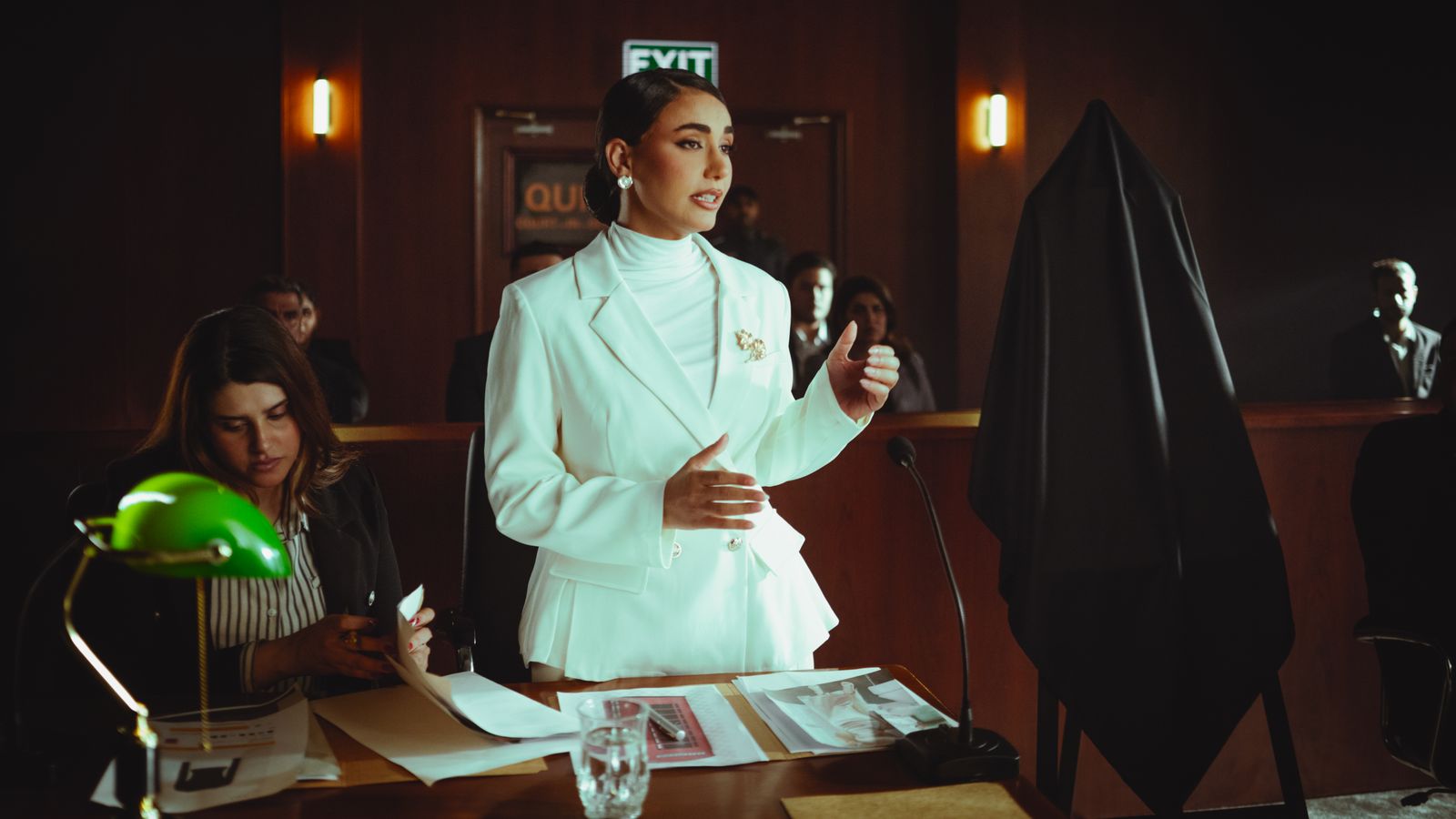
A podcast video is not a normal video, and that trips people up. It is long, it is mostly two people sitting still and talking, and there is almost no editing to hide behind. A travel vlog can cover a flat shot with motion and music. A two-hour conversation has nowhere to run. Every flaw in your light, your framing and your sound just sits there for the whole episode, repeating.
I have shipped a few episodes I would now quietly unpublish. One had a guest lit by a single window that drifted from warm afternoon to grey dusk over ninety minutes, so by the end he looked like a different, sadder person. The audio was fine. Nobody cared, because the picture kept whispering "this was recorded in someone's spare room" the entire time.
The good news: the things that make a podcast video look better are short and almost entirely about setup, not gear. Two cameras and a soft lamp can look like a studio if they are matched. Three thousand dollars of kit can look like a webcam if they are not. Here is what to fix, in order.
Five things that make a podcast video look better.
Each one has a target you can hit, and each one is something a viewer feels for the entire episode if you skip it. Do them roughly in this order.
| Fix | Target to hit | What it costs you if you skip it |
|---|---|---|
| Light each face | soft, even, from one side | Flat or harsh light makes hosts look tired and the room look cheap. |
| Match your cameras | same exposure + white balance | Every cut between mismatched angles announces that nothing was set up. |
| Frame both hosts | same eyeline, a little headroom | Off framing reads as careless and quietly tires the viewer's eye. |
| Loudness + peaks | ≈ −14 LUFS, ≤ −1 dBTP | Quiet or clipped audio is the fastest amateur tell in any video. |
| Cut the dead air | trim long pauses | A two-hour chat with every gap left in feels like four hours. |
Eyeballing every episode for matched cameras, loudness and dead air adds up fast. CutScore runs all of it in one pass and hands back the fixes, so you can spend the time editing instead of inspecting.
The five fixes, in plain steps.
1. Light: soft, even, and from one side
Most podcast rooms have one problem: light coming from straight overhead, or from a window that moves all episode. Both are bad. You want one soft source slightly to the side of each host, a little above eye level, big and diffused so it wraps the face instead of stamping a hard shadow under the nose. A cheap softbox or even a bedsheet over a lamp does this. The test is simple: pause on a face, and if the shadows are gentle and the skin is not orange or grey, you are most of the way there. Light is the first thing a viewer reads before anyone has said a word, which is why it is half of what we analyze.
2. Match your cameras so the cuts stop jumping
This is the single biggest tell in two-host podcasts, and the one people miss. Camera A and Camera B almost never agree out of the box. One runs brighter, one leans warm, one leans green, and every cut between them flashes that difference at the viewer. The fix happens before you cut: set both cameras to the same exposure and the same white balance, then nudge them in your editor until a cut between the two hosts feels like one room, not two. Colour drifting between angles is exactly the kind of thing your eye forgives in the edit and a viewer notices instantly. If you only ever fix one thing on this list, fix this.
3. Frame both hosts like you meant it
Put both people at roughly the same eyeline, leave a sliver of headroom (not a foot of ceiling, not a haircut crammed against the top edge), and keep the lens near eye height so nobody is shot up the nose or down from above. If you cut to a wide of both hosts, the two faces should sit at the same height so the eye is not bouncing up and down on every edit. None of this needs gear. It needs you to look at the shot once, on purpose, before you hit record instead of after.
4. Sound: the part a podcast cannot afford to get wrong
A podcast is audio with a picture attached, so this is not optional. Two numbers carry most of it. Loudness, which you want near −14 LUFS for YouTube so your episode is not the quiet one people reach to turn up, and true peak, which you keep at or below −1 dBTP so nothing crackles after the platform re-encodes it. Get both hosts to a similar level so one is not booming while the other is a whisper. And if you run an intro music bed, duck it well under the talking. Music winning over the voice is the loudest amateur signal there is.
5. Pace: cut the dead air out of the long chat
Two people talking for ninety minutes will leave a lot of dead air: long pauses, throat-clears, the "so, anyway" reset between topics. Left in, it makes a good conversation feel endless. The fix is to tighten without making it sound chopped: trim the dead pauses, and use a jump cut to drop a rambling tangent rather than reshooting anything. Watch your average shot length too. If you are static on one wide for the whole episode, cutting between angles every so often keeps the eye awake. The honest test: would you keep listening to this if it were not your show?
Here is a real CutScore coaching report: every check above, scored, with timestamps and the exact fixes for a recorded conversation.
If you only fix three things.
Most of the jump from "two people on a webcam" to "this looks like a show" comes from these three. Fix them first, in this order.
By eye, by meter, or in one pass.
By eye and ear
Free, and better than nothing. The catch is that after a two-hour edit your eyes adapt to the mismatch and your ears adapt to the level. Works best a day later, or on someone else's episode. Use the five fixes above so you are testing against targets, not a tired vibe.
With scopes and meters
Accurate and honest. A loudness meter for the mix, a scope to compare your two cameras, a waveform for the dead air. The cost is time and knowledge: you have to know the targets and read three tools for every episode. Great if you enjoy it. Most hosts do not.
With a coach in one pass
Hand the file (or a link) to CutScore. It measures light, the gap between your cameras, loudness, pacing, captions and export against the right standard, then gives you a 0 to 100 score with timestamped evidence and the fixes. No scopes to read. See a sample report.
Frequently asked.
Make every episode look like a show.
CutScore runs these checks on your podcast and tells you exactly what to fix, with the evidence to back it up. Join the waitlist for early access.
You’re on the list.
We’ve noted your email. You’re in line for priority access and a free report when early access opens.