How do I make better tutorial and how-to videos?
A tutorial has one job: get someone to the result. Most lose people on structure and audio long before the content runs out. Here is how to make how-to videos that viewers actually finish, and the craft checks to run before you upload.
By Thomas, founder of CutScore · Published · Updated
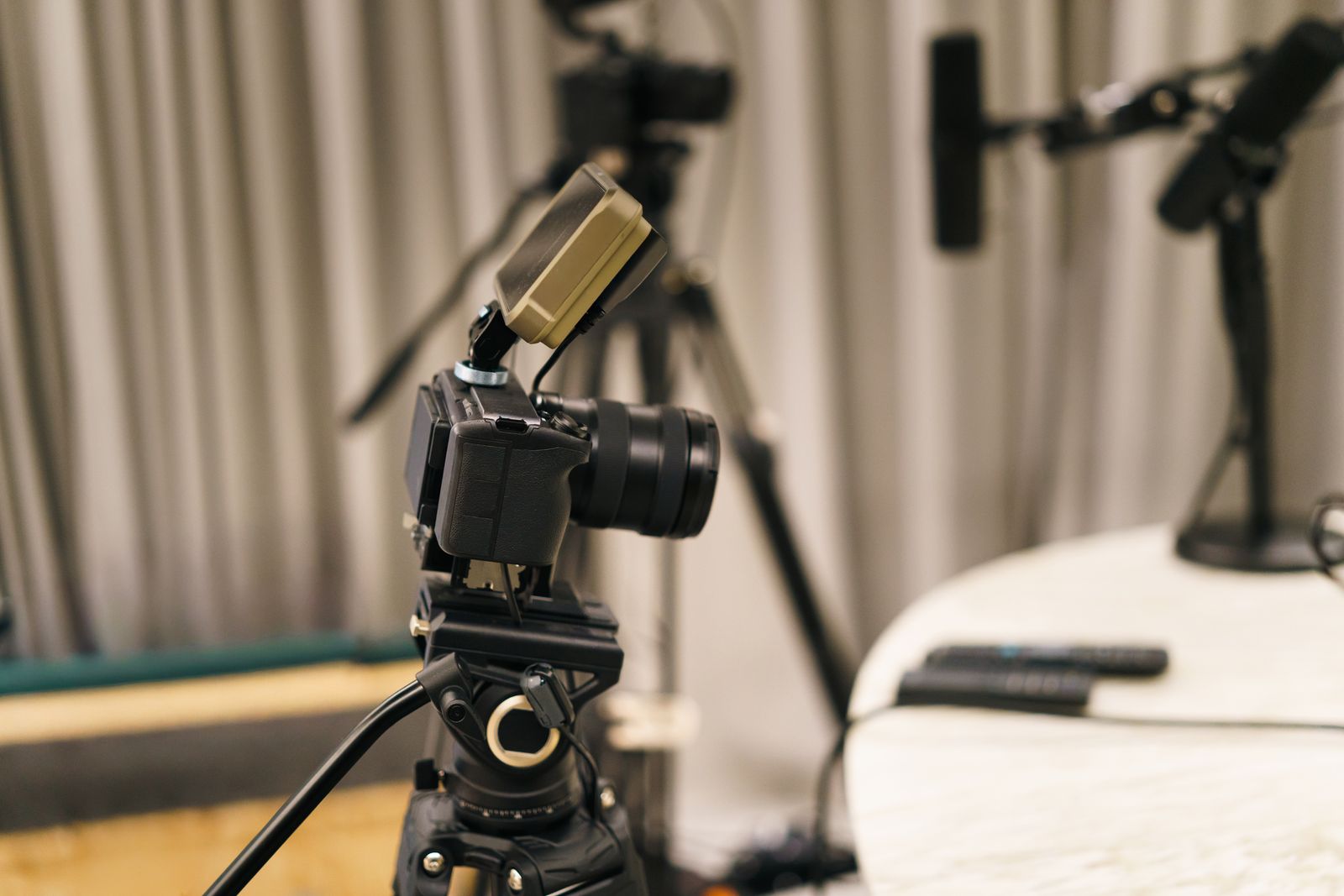
Here is the thing about a tutorial. Nobody watches it for entertainment. They have a problem, they want it gone, and your video is a means to an end. That is freeing and brutal at the same time. Freeing, because you do not need to be charismatic. Brutal, because the second the viewer thinks "this is taking too long," they are back in the search results, watching someone else.
I have shipped tutorials that died for the dullest reason imaginable: I buried the result. Forty seconds of "hey, welcome back, before we start, smash that," and the person who came to fix a specific thing was already gone. They never saw the good part. The content was fine. The packaging wasted their patience, and patience is the only currency a how-to viewer is spending.
So the work splits into two layers. The first is structure: are you teaching the right things in the right order, fast enough? The second is craft: can people actually hear you, read the screen, and follow along without strain? Most beginner tutorials get the content roughly right and still feel amateur, because the craft layer quietly leaks viewers. We will take both.
Structure a how-to so people reach the end.
A tutorial is not a story, it is a route. Every section either moves the viewer toward the result or it gets cut. Here is the shape that works almost every time.
| Section | What it does | The common mistake |
|---|---|---|
| The promise (0:00–0:10) | Show the finished result, or name the exact problem you solve. | A logo sting and a long "hey guys" before any reason to stay. |
| The setup | List only what they truly need: tools, files, prerequisites. | A five-minute backstory nobody asked for. |
| The steps | One action per step, in the order they actually do it. | Jumping between steps, or explaining theory mid-task. |
| The gotchas | Name the spots where people get stuck, before they do. | Skipping the bit that fails on every other machine. |
| The result | Show it working, end to end, so they know they succeeded. | Cutting before the proof, leaving viewers unsure it worked. |
| The exit | One next step or related fix, then stop. | A two-minute outro and three more "subscribe" asks. |
You cannot judge your own pacing after watching the edit forty times. CutScore measures where your tutorial drags, where the audio dips, and where the screen text gets too small, then hands you the fixes.
Make the screen and sound easy to follow.
Sound: the one thing tutorial viewers will not forgive
People put up with a plain-looking how-to. They will not sit through audio they have to strain to hear. Two numbers do most of the work. Loudness, which you want near −14 LUFS for YouTube so your voice does not feel timid next to the next video, and true peak, which you keep at or below −1 dBTP so nothing crackles after the platform re-encodes your file. If you use background music in a tutorial, push it way down, far lower than you think. The voice is the product. The music is wallpaper.
Screen: record it so the text survives upload
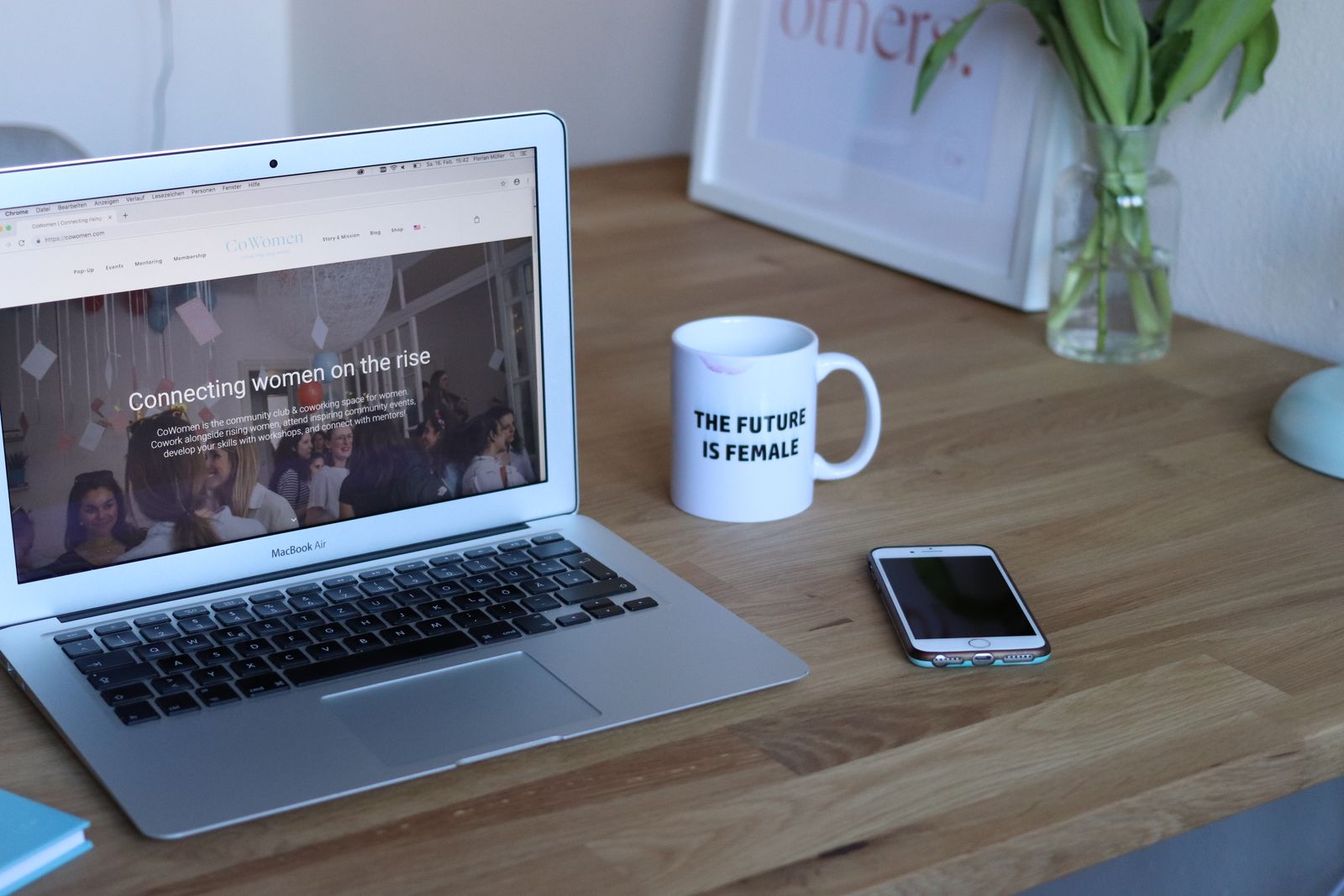
If your tutorial shows a screen, the screen is the lesson, so it has to stay sharp. Record at the platform's native resolution, hide your clutter and notifications, and close every tab you do not need. Then zoom or highlight the exact spot you are talking about. Tiny UI text that is legible on your 27-inch monitor turns to mush on a phone, and most people are watching on a phone. The honest test is simple: pull it up on your handset, held at arm's length, and try to read the part that matters.
Pacing: cut the dead air, keep the rhythm
Tutorials drag in a predictable place: the moment you are doing something and narrating it in real time. Nobody needs to watch a progress bar fill. Speed it up, cut to the result, or use a clean jump cut to skip the boring middle. A useful pacing signal is average shot length: if a single screen holds for forty seconds while you fumble, that is forty seconds of risk. Trim the pauses, the false starts, the "let me just." The version with the dead air removed always feels more competent, even when nothing else changed.
Delivery: clarity beats personality
You do not need to be a performer to teach. You need to be clear. Speak a touch slower than feels natural, because the viewer is doing the task while listening, and they cannot rewind their own hands. Watch your filler words too. The odd "um" is human. A dozen a minute makes a confident explanation sound like a guess. Captions help here as well, since roughly half your audience watches on mute, and in a tutorial the words are half the instruction.
Here is a real CutScore coaching report: every craft check above, scored, with timestamps and the exact fixes, the way it would read for your tutorial.
If you only fix three things.
Most of the jump from "homemade walkthrough" to "this person knows their stuff" comes from these three. Fix them first.
By eye, by meter, or in one pass.
Hand it to a beginner
The best test for a tutorial is a person who does not already know the answer. Watch them follow it. Every place they pause, rewind, or look confused is a place your structure or pacing failed. Free, honest, and slightly humbling. Do this before you publish, not after.
With scopes and meters
For the craft layer, measure it. A loudness meter for the voice, a waveform to spot the music burying it, a quick read on whether the screen text holds up after export. Accurate, but it costs time and you have to know the targets for every video you make.
With a coach in one pass
Hand the file (or a link) to CutScore. It checks loudness, pacing, the hook, on-screen text, captions, export settings and more against the right standard for your genre, then gives you a 0 to 100 score with timestamped evidence and the fixes. See a sample report.
Frequently asked.
Make every tutorial easy to follow.
CutScore checks the structure and craft of your how-to and tells you exactly what to fix, with the evidence to back it up. Join the waitlist for early access.
You’re on the list.
We’ve noted your email. You’re in line for priority access and a free report when early access opens.