How can I get a video critique without hiring an editor?
A critique is feedback, not a person on payroll. Here are five honest ways to get specific, useful notes on your edit, and the one trick that separates a real critique from "it feels off."
By Thomas, founder of CutScore · Published · Updated

Most people who want a video critique do not actually want an employee. They want one honest hour from someone who knows what they are looking at. The problem is that the obvious route, hiring an editor, is expensive, slow, and overkill for what is usually a short list of fixable problems. You do not need a hire to be told your audio is too quiet. You need a meter and a straight answer.
I have shipped videos I was proud of that turned out to be quietly broken. One sat at roughly −21 LUFS, far quieter than everything around it in the feed, and I had no idea until a friend asked why I sounded so timid. That was a free critique. It cost me a slightly bruised ego and saved the next ten uploads. A critique is just specific, actionable feedback. Where it comes from matters less than whether it points at a real problem and tells you what to do about it.
So the real question is not "how do I afford an editor." It is "how do I get the notes an editor would give me, without the editor." The good news: most of those notes are about measurable craft, and measurable things can be checked for free. Here are the five ways that actually work.
Five ways to get a video critique without hiring an editor.
Each one is a real route to honest feedback. They cost different amounts of time, money and pride. Pick the mix that fits how you work.
| The route | What it costs | What it is good for |
|---|---|---|
| Trade with a creator | your time | Taste, story sense and gut calls. Best when you both critique against a checklist. |
| Community swaps | free + patience | Volume of opinions. Noisy, but patterns across replies are usually real. |
| Run meters yourself | free, some skill | The hard numbers: loudness, peaks, exposure. No opinion involved, just targets. |
| Structured self-review | free, a day away | Catching your own obvious misses when you score against fixed targets. |
| AI quality coach | one pass | Every measurable check at once, scored, with timestamps and the fixes. |
Waiting on a trade partner takes days. CutScore reads the file and hands back the notes an editor would give you, scored, in one pass, so you can fix and re-upload the same afternoon.
The five routes, up close.
1. Trade a critique with another creator
The oldest trick in the book, and still the best one for taste. Find one creator at roughly your level, in your genre, and swap edits. You critique theirs, they critique yours, nobody invoices anybody. The catch is that "I liked it" is useless, so agree on a checklist first. Give each other notes on the same things every time: audio balance, the first three seconds, pacing, captions. Structure turns a vague chat into a real critique. If you want to review your own work first so you bring better notes to the trade, our guide on reviewing your own video objectively is the place to start.
2. Post it in a community that does honest swaps
Editing subreddits, Discord servers, creator forums: plenty of places will critique a video for free, and some are genuinely sharp. The skill here is reading the noise. One stranger hating your music is an opinion. Five strangers all saying the audio is hard to hear is data. Look for the comment that repeats. And ask a specific question when you post, because "what do you think?" gets you "nice video," whereas "is my voice clear enough over the music?" gets you the note you actually needed. If most replies point at sound, our piece on getting honest feedback on your video goes deeper on how to ask.
3. Run the meters yourself, for free
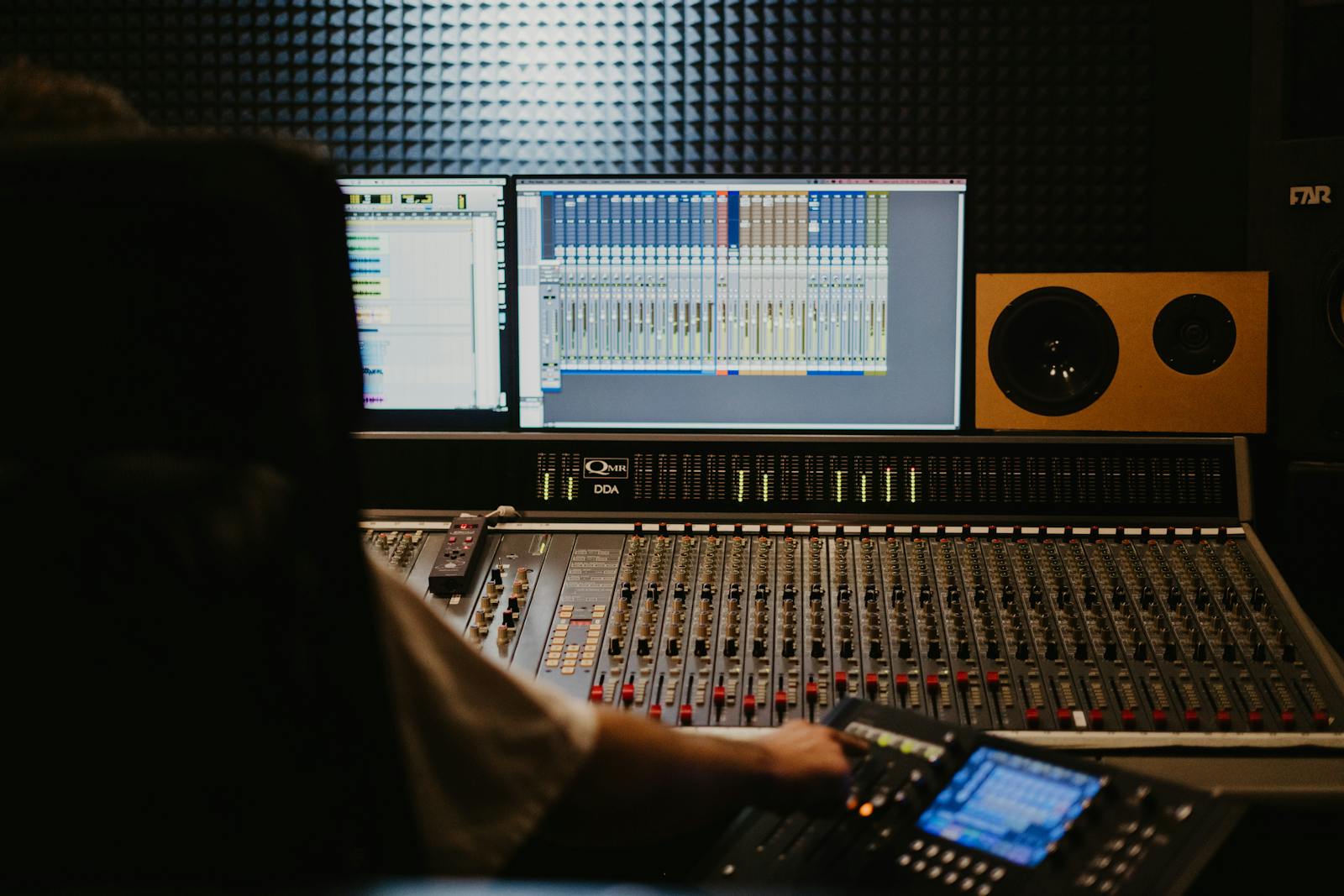
Here is the part no human critique does well: the hard numbers. Loudness, peaks and exposure have right answers, and you can check them yourself at no cost. Pull your audio toward −14 LUFS for YouTube so it does not feel quiet next to the next video, and keep your true peak at or below −1 dBTP so nothing crackles after the platform re-encodes your file. Most editing software ships with a loudness meter and a waveform; learning to read them takes an afternoon. It is honest, it is free, and it is the one route that never flatters you.
4. Run a structured self-review
You are a bad judge of your own edit, but not a useless one. The problem is that you have watched it forty times, so your brain filed the quiet audio under "normal." Two things fix that. First, distance: sleep on it and watch the export cold the next morning. Second, structure: score against fixed targets instead of asking "do I like it." Check the average shot length to see whether your pacing actually drags, watch your first three seconds as if you were thumbing past, and count your filler words per minute. Targets catch what taste misses.
5. Hand it to an AI video quality coach
This is the route that does in one pass what the others do in pieces. You give the file or a link to a tool like CutScore, and it measures loudness, peaks, exposure, focus, pacing, the hook, captions and export settings, then hands back a 0 to 100 score with timestamped evidence and the exact fixes. It is the closest thing to an editor's first-pass notes without the editor, the schedule, or the invoice. It will not rewrite your story, but it catches the technical problems an editor would flag in the first five minutes. If you are weighing the two, we wrote a straight comparison of whether an AI tool can rate your video.
Here is a real CutScore critique of an everyday vlog: every check scored, with timestamps and the exact fixes an editor would charge you for.
What separates a critique from "it feels off."
A note is only worth having if you can act on it. Every useful critique does these three things, no matter who or what it comes from.
The cheapest critique that actually works.
Get the numbers first
Before you ask a human anything, settle the measurable stuff. Loudness near −14 LUFS, true peak under −1 dBTP, exposure not clipped. These have right answers, so do not waste a trade partner's time on them. A meter, or a one-pass tool, handles this for free.
Then ask a human the gut calls
Now bring a trade partner or community the things meters cannot judge: is the story clear, is the hook compelling, does it drag. Ask a specific question, not "thoughts?" You will get a real answer because you already cleared the technical noise out of the way.
Or do both in one pass
Hand the file to CutScore and it scores every measurable check at once, against the right standard for your genre, with timestamps and fixes. You spend your human favours on taste, and let the tool handle the parts that have a correct answer. See a sample report.
Frequently asked.
Get the notes, skip the hire.
CutScore reads your edit and hands back the critique an editor would give you, scored, with the evidence and the fixes. Join the waitlist for early access.
You’re on the list.
We’ve noted your email. You’re in line for priority access and a free report when early access opens.