Is my video too slow or boring?
"Boring" is rarely the topic. It is almost always pace: a hook that arrives late, shots that overstay, and dead air between lines. Here is how to find the slow spots, and three honest ways to check pacing before you publish.
By Thomas, founder of CutScore · Published · Updated
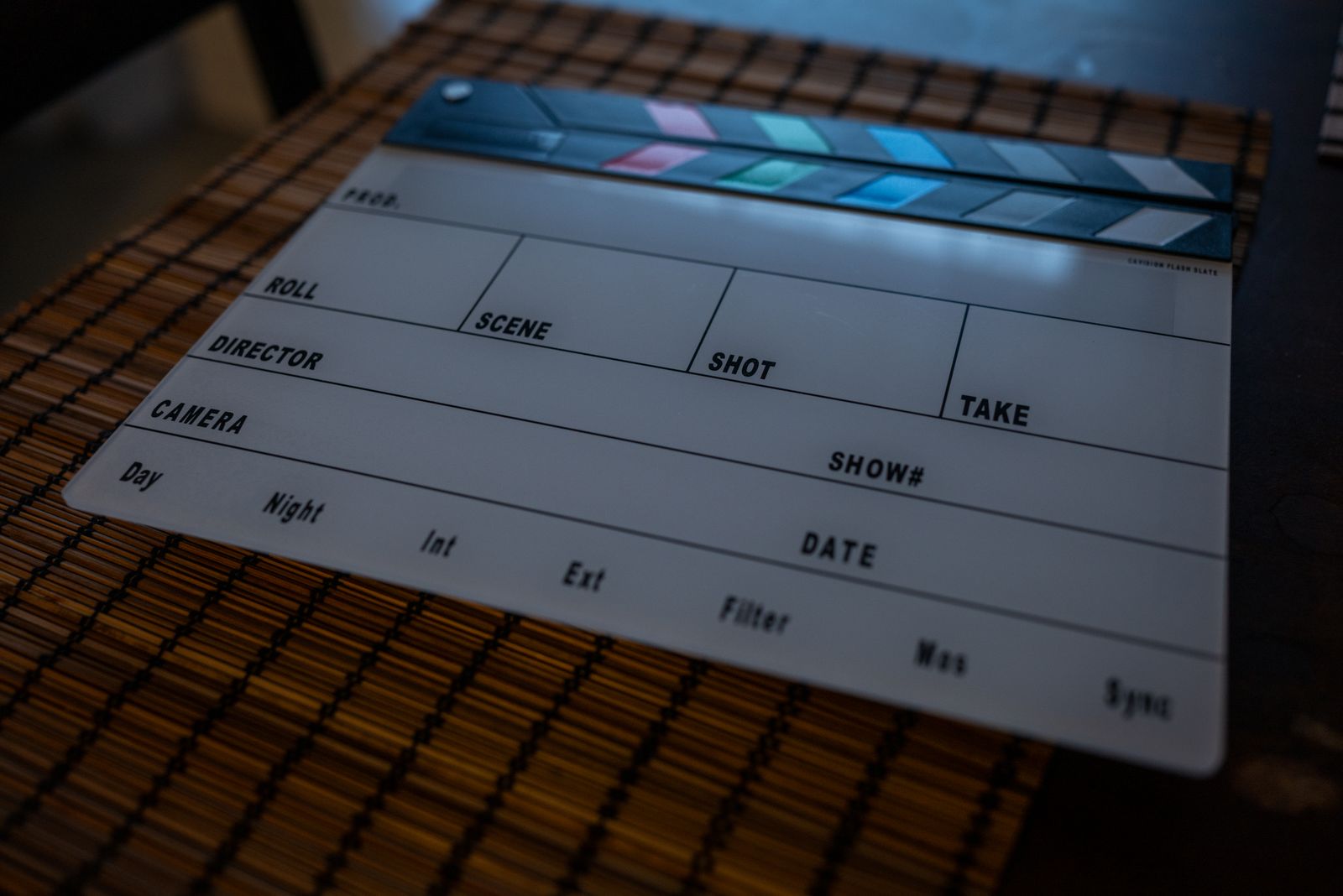
Here is the trap. You cannot feel the pace of your own edit, because you already know what is coming. You wrote the line. You shot the shot. So when a clip holds for eleven seconds, your brain fills the silence with anticipation and it feels fine. A first-time viewer has no anticipation. They have a thumb, a feed full of other things, and about three seconds of patience before they decide whether you are worth more.
I have shipped slow videos. Plenty of them. The painful pattern is always the same: I watch the export, think "great, that flows," publish it, and then watch the retention graph nosedive at 0:08, right where I opened with a logo and a "hey everyone, so today." The content was fine. The pace told people to leave before they got to it. Boring was never the topic. Boring was the gap between my intro and my first actual point.
So the real question is not "is my video boring." It is where, exactly, does a stranger's attention drift? That has answers you can measure. Shot length has a number. The hook has a deadline. Dead air has a duration. Find those moments and slow stops being a vibe and becomes a list of cuts.
The five signs your video is too slow.
Each one has a target you can actually hit. Watch your video once, at full attention, and check it against these. The places it fails are the places a viewer leaves.
| Sign it drags | Target to hit | What it costs you if you ignore it |
|---|---|---|
| Late hook | payoff by 0:03 | Open with a logo or a slow "hey guys" and most of your drop-off happens before the content does. |
| Shots that overstay | ASL fits the genre | One shot held three seconds too long, repeated twenty times, is a whole boring video. |
| Dead air between lines | near 0.0s gaps | Silence between sentences reads as hesitation, and hesitation reads as "skip." |
| No visual change | something moves | A static frame for thirty seconds, no cut, no b-roll, no zoom, tells the eye to wander. |
| Flat delivery | vary pace + energy | One steady monotone makes even good writing feel like it is being read to you slowly. |
Watching for your own drift is hard, because you already know the ending. CutScore marks the exact timestamps where the energy sags and hands back the cuts that fix them.
Four passes to tighten a slow edit.
1. Fix the first three seconds first
Nothing else matters if nobody gets past the opening. Watch your first three seconds as if you were a stranger thumbing past it in a feed. Is there one clear reason to stay, or do you open with a logo sting and a throat-clear? If your most interesting moment lives at 0:40, a piece of it belongs at 0:01. Cut the runway. Start on the plane. This single move does more for retention than any amount of polish later in the video, and it is usually three deletions, not a reshoot.
2. Find the shots that overstay their welcome
The clearest single number for pace is average shot length: how long, on average, a shot holds before you cut. A calm tutorial can breathe at six or eight seconds a shot; a short cannot. There is no universal "right" number, only a number that fits the genre, which is why blanket advice like "how many cuts per minute is normal" only takes you so far. Scrub your timeline and find the long ones. A static talking-head shot that holds for fifteen seconds is where the viewer's eyes start to wander. Break it with a cut, a jump cut, or some b-roll.

3. Cut the dead air between your sentences
This is the cheapest speed boost in editing, and almost nobody does enough of it. Between every two sentences you record sits a small gap: a breath, a pause, a half-second of you thinking about the next word. Alone, each gap is nothing. Stacked across a five-minute video, they add up to a full minute of someone watching you say nothing. Go through and tighten the silences. Keep the breaths that carry meaning, kill the ones that are just hesitation. While you are in there, count the filler words too: a dozen "ums" a minute reads as low energy even when the script is sharp.
4. Add variation, because flat is its own kind of slow
A video can be fast on the timeline and still feel slow if every beat has the same energy. Same shot size, same volume, same vocal pitch, minute after minute. The eye and ear both adapt to anything that does not change, and adaptation feels like boredom. So change things. Push in for the important line. Drop the music under a key sentence. Vary how fast you talk. None of this is about cutting faster; it is about giving the viewer a reason to keep paying attention. If you want the structural version of this, our piece on improving video pacing goes deeper than I can here.
Here is a real CutScore report for an everyday talking-head video: the pacing markers, the slow timestamps, and the exact cuts that fix them.
If you only fix three things.
Most of the perceived jump from "slow and boring" to "this moves" comes from these three. Fix them first, in this order.
By eye, by graph, or in one pass.
By eye, a day later
Free, and better than nothing. Watch your video once at full attention and mark every spot your eyes drift or your hand reaches to skip. The catch is the one we opened with: you know the ending, so the pace feels faster to you than it does to a stranger. Works best after a day away from the edit.
With the retention graph
Honest, but slow and after the fact. Once a video is live, the audience-retention graph shows exactly where people leave. Accurate, but it only works once you have published and lost those viewers. Useful for learning patterns across videos; useless for fixing the one you are about to post.
With a coach, before you post
Hand the file (or a link) to CutScore. It measures shot length, cuts, dead air and hook strength against the right standard for your genre, then marks the slow timestamps with a 0 to 100 score and the fixes. You see the drift before the audience does. See a sample report.
Frequently asked.
Find the slow spots before they cost you views.
CutScore marks the exact timestamps where your video drags and tells you the cuts that fix them, before you publish. Join the waitlist for early access.
You’re on the list.
We’ve noted your email. You’re in line for priority access and a free report when early access opens.