How do I improve my talking-head videos?
It is just you and a lens, which means every weak spot is on full display: the light, the eyeline, the voice, the ums. Here is how to fix each one, in the order that actually moves the needle.
By Thomas, founder of CutScore · Published · Updated

A talking-head video is the most honest format there is. There is no fast-cut montage to hide behind, no sweeping drone shot, no soundtrack doing the emotional work for you. It is your face, your voice, and whatever you are saying. When one of those three is off, the viewer feels it in about two seconds, even if they could not name what is wrong.
I have shipped my share of bad ones. Early CutScore explainer videos where I was lit by a single overhead bulb, talking into a laptop mic, glancing at my own face in the corner of the screen the whole time. I thought I sounded fine. Then I watched it back on my phone on a train, and I looked like a hostage reading a ransom note off a wall just to the left of the camera. The content was okay. The craft was doing everything it could to undermine it.
Here is the good news. Almost every talking-head problem is cheap to fix and has nothing to do with your camera. It is where you put the light, where you point your eyes, how loud your voice sits, and how ruthlessly you cut the dead air. None of that needs new gear. Below is the order I would fix them in, starting with the one viewers notice first.
The seven things that make or break a talking-head video.
Each one has a target you can actually hit, and each one is something a viewer will clock if you get it wrong. Fix them top to bottom.
| What to fix | Target to hit | What it costs you if you skip it |
|---|---|---|
| Eyeline | on the lens | Looking at your own preview reads as shifty, like you are talking past the viewer. |
| Light on your face | soft, from one side | Flat overhead light makes you look tired; one hard shadow makes you look sinister. |
| Framing | eyes on upper third | Too much headroom or a chin-up phone angle looks accidental and amateur. |
| Voice loudness | ≈ −14 LUFS | A quiet voice feels timid next to every other video in the feed. |
| Background noise | low, steady | Room hum and reverb read as "cheap" before you finish your first sentence. |
| Filler words | a few, not a flood | A dozen ums a minute quietly tells people you are not sure of yourself. |
| Pace and the hook | cut dead air, open strong | A slow opener and long pauses send people straight back to the scroll. |
Checking your light, eyeline, loudness and filler-word count by hand on every take adds up. CutScore measures all of it in one pass and hands back the fixes, so you can record again instead of inspecting.
Three passes: face, voice, talking.
1. The face: light, eyeline and framing
Start with the light, because it does the most for the least money. One soft source, off to one side and slightly above your eyes, beats any expensive lens. A window with a sheer curtain works. So does a cheap softbox. The goal is gentle shadow that gives your face some shape, not the flat under-the-bulb look that ages everyone by ten years. Then the eyeline. Look at the lens, not at the little preview of your own face, because viewers read eye contact instantly and a sideways glance feels evasive. I stick a small arrow next to the lens so my eyes have a target. For framing, put your eyes roughly a third of the way down the frame, leave a little headroom but not a swimming pool of it, and get the camera up to eye level so you are not shooting up your own nose.
2. The voice: the part that actually carries the video
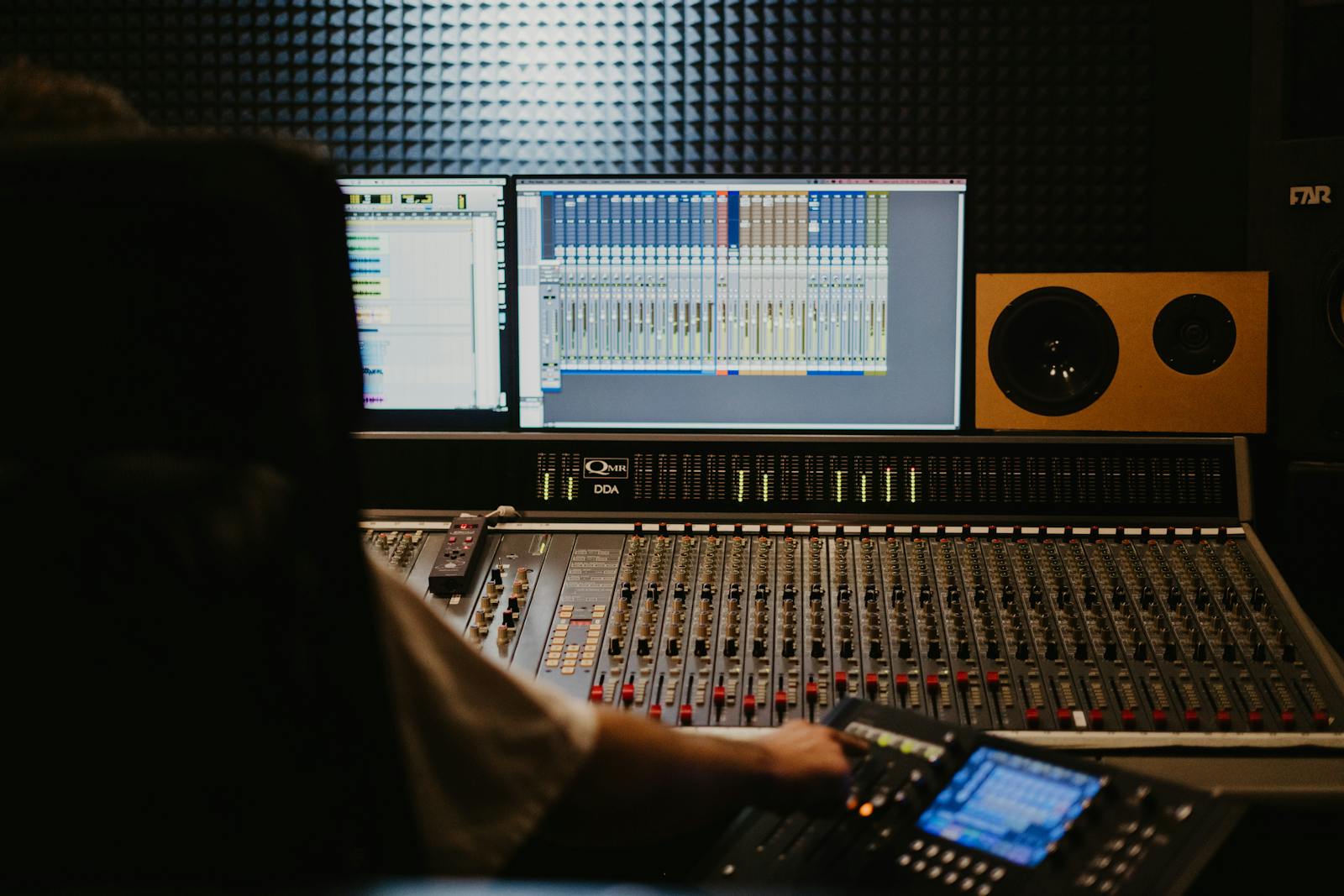
In a talking-head video the voice is the video. People will forgive a slightly soft image. They will not forgive a voice that is quiet, boomy, or buried in room hum. Get the mic close, within a foot or two of your mouth, because distance is what lets the room creep in. Then handle two numbers. Loudness, which you want sitting near −14 LUFS for YouTube so your voice does not feel timid next to the next creator, and true peak, which you keep at or below −1 dBTP so nothing crackles after the platform re-encodes your file. If you can hear hiss or a fridge hum in the background, a light noise-reduction pass clears most of it. The test is simple: play it back on your phone speaker at half volume. If every word is clear, you are done.
3. The talking: filler words, energy and the hook
Now the delivery, which is where most talking-head videos quietly leak attention. Count your filler words: a few ums are human, but a dozen a minute tells people you are improvising and not sure where the sentence is going. Record a couple of takes, talk with slightly more energy than feels natural (the camera flattens you, every time), and keep the take where you sound like you are talking to a friend. Then think about the opening. Watch your first three seconds as if you were thumbing past it in a feed. If you open with "hey guys, so today I wanted to talk about," you have already lost half of them. Lead with the most interesting sentence you have. The introduction can come after you have earned the view.
4. The cut: give a static frame some life
One person, one held shot, no movement: that is the recipe for "boring," even when the content is good. The fix is not a film crew. It is the edit. Cut the dead air between your thoughts with a jump cut so the pace stays tight and you never sit there watching yourself breathe. Drop in the occasional cutaway or a relevant graphic to give the eye something else to land on. Keep the average shot length shorter than feels comfortable, because what feels fast to you after forty viewings is normal to someone seeing it once. The honest test: would you keep watching this if it were not you on screen?
Here is a real CutScore coaching report: eyeline, light, loudness, filler words and pace, all scored, with timestamps and the exact fixes.
If you only fix three things.
Most of the jump from "homemade" to "this person knows what they are doing" comes from these three. Do them before your next recording.
By eye, by meter, or in one pass.
Watch it back honestly
Free, and better than nothing. Watch on your phone, at normal brightness, a day after you record so you are not still in love with the take. Check the list above against targets, not vibes. The catch: after forty viewings, your own ear stops hearing the ums.
With meters and a second opinion
Accurate, but slow. A loudness meter for the voice, a scope for exposure, and ideally a friend who will tell you the truth about your eyeline and your pacing. Great if you have the tools and the patience. Most creators recording weekly do not.
With a coach in one pass
Hand the file (or a link) to CutScore. It measures light, framing, loudness, filler words, pace and the hook against the right standard for a talking-head, then gives you a 0 to 100 score with timestamped evidence and the fixes. See a sample report.
Frequently asked.
Stop guessing what is holding your face-to-camera back.
CutScore checks your light, eyeline, voice, filler words and pace, then tells you exactly what to fix, with the evidence to back it up. Join the waitlist for early access.
You’re on the list.
We’ve noted your email. You’re in line for priority access and a free report when early access opens.