How do I judge my own editing?
By the time you export, you cannot feel your own edit anymore. You remember it. Here is how to judge your editing against targets, where the cuts land, how the pacing holds, whether the b-roll earns its place, so you stop trusting a feeling you have already worn out.
By Thomas, founder of CutScore · Published · Updated
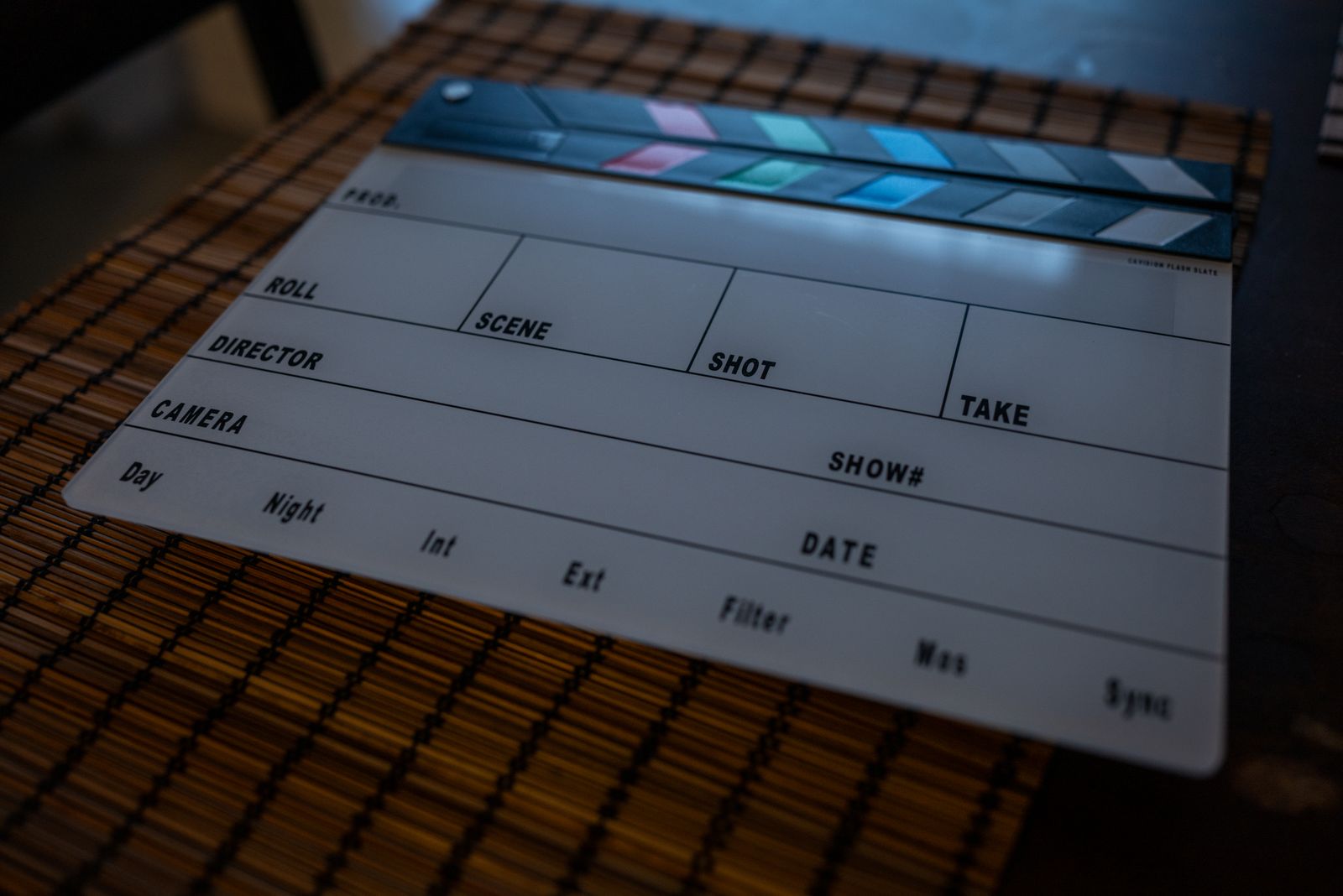
Here is the trap. You are the one person on earth who cannot watch your own edit. You scrubbed every shot fifty times. You know the punchline is coming, so the slow build to it feels fast, because your brain is filling the dead air with anticipation a first-time viewer simply does not have. The shot you held too long feels right, because you remember why you held it. By export, you are not watching the video. You are remembering it.
I have shipped edits that felt tight on my timeline and limp the moment a friend watched them next to me. The cut I loved at 2:10 was three seconds of me admiring my own b-roll. The joke I thought landed at 0:50 should have been at 0:08. Nothing in the footage was broken. The judgment was. I was grading the effort, not the result, which is the one thing a viewer will never do for you.
So the fix is not "trust your gut harder." It is the opposite. Judging an edit means swapping the feeling for targets you can check. Some of those targets are numbers. Some are simple questions you ask while pretending the video belongs to someone you do not like very much. Here is the whole method.
Five things to judge your own editing on.
Each one swaps a vibe for something you can actually check. Run them in order, and write down a timestamp every time your attention slips, because that note is worth more than any feeling.
| What to judge | The target to hit | What it costs you if you skip it |
|---|---|---|
| First 3 seconds | one reason to stay | A slow logo and a throat-clear, and most of your drop-off happens before the content starts. |
| Pacing · shot length | fits the genre | One section with a far longer average shot length is exactly where viewers scroll away. |
| Where the cuts land | on motion or a beat | A cut in the middle of a thought or a breath reads as a glitch, not a choice. |
| B-roll and inserts | each one earns it | B-roll added because it looks nice, with no job to do, just slows the whole thing down. |
| Export of the cut | platform spec | A tight edit can still arrive soft and blocky if the resolution and bitrate are wrong. |
CutScore has no memory of how hard your shoot was and no patience for your favourite b-roll. It runs these checks in one pass and tells you which cut to move and which shot to trim.
Judging the edit, check by check.
1. The first three seconds: do they earn the watch?
Open your cut and watch it as if you were thumbing past it at the bus stop, bored, ready to flick away. Is there one clear reason to stay inside the first three seconds, or do you open with an animated logo and a "hey guys, so today"? If your strongest moment lives at 0:45, a slice of it belongs at 0:01. This is an editing decision, not a content one. The footage was always there; the only question is whether your cut puts the best of it where a stranger can see it before they leave.
2. Pacing: read the number, not your patience
You have watched this edit so often that slow feels brisk. The clearest single signal for pace is average shot length, how long a shot holds before you cut. There is no universal target; a talking-head explainer breathes, a short does not. The trick is to read it per section, not for the whole video. If your middle has a far longer average shot length than the rest, that drag is not a feeling, it is a measurement, and it is exactly where people drop. Trim the held shots, or earn them with something happening on screen.

3. The cuts: do they land where they should?
A good cut is invisible. A bad one announces itself. Step through your edit and ask where each cut falls: on a motion, on a beat in the music, at the end of a finished thought? Or does it chop in mid-sentence, on a breath, with a half-second of dead frame on either side? A jump cut can tighten a ramble beautifully, but only if it removes dead air rather than the punchline. The tell is simple: if a cut makes you flinch on the rewatch, it will make a stranger flinch on the first watch.
4. B-roll and inserts: does every one have a job?
Here is the question nobody wants to ask their own footage: what is this shot actually doing? B-roll should illustrate, cover a cut, or carry a beat of narration. If it is there because it looked nice on the day and you could not bear to bin it, it is dead weight, and it slows the edit down for everyone but you. Go through your inserts and give each one a job in one sentence. Any insert that cannot justify itself in a sentence is a trim. Pretty is not a job.
5. The export: the boring step that undoes a good edit
You can cut something tight and still upload mush. Export at the platform's preferred resolution and a healthy bitrate, then watch the published version on the actual app, not the file on your drive. Platforms re-compress everything you give them, and a clean edit can arrive soft, blocky, or stuttering on motion if your export settings fight the platform. If your cut looks worse after upload than it did on your timeline, the export is the suspect, not your editing.
Here is a real CutScore report for an everyday vlog: the hook, the pacing per section, where the cuts land, scored, with timestamps and the exact trims.
If you only judge three things.
Most of the gap between an edit that feels homemade and one that feels deliberate comes from these three. Fix them first.
Cold eyes, a stopwatch, or one pass.
Watch it cold, like a stranger
Free, and the closest you get to honest on your own. Sleep on the edit, then watch it once muted on a phone and once with sound. Mark every timestamp where you drift. The catch is that even cold, you still know what is coming, so you will forgive more than a real viewer would.
Time it with a stopwatch
More honest, more work. Note where each cut lands, time your slow sections, count how long your held shots run. You are now judging the edit against numbers instead of a mood. Great if you enjoy this kind of accounting. Most editors would rather be editing.
Hand it to a coach in one pass
Give the file or a link to CutScore. It measures the hook, average shot length per section, cut density and the export against the right standard for your genre, then returns a 0 to 100 score with timestamped evidence and the trims. No stopwatch, no ego. See a sample report.
Frequently asked.
Stop guessing about your own edit.
CutScore judges the cut with no ego and no memory of your shoot, and tells you exactly what to trim, with the timestamps to back it up. Join the waitlist for early access.
You’re on the list.
We’ve noted your email. You’re in line for priority access and a free report when early access opens.